54
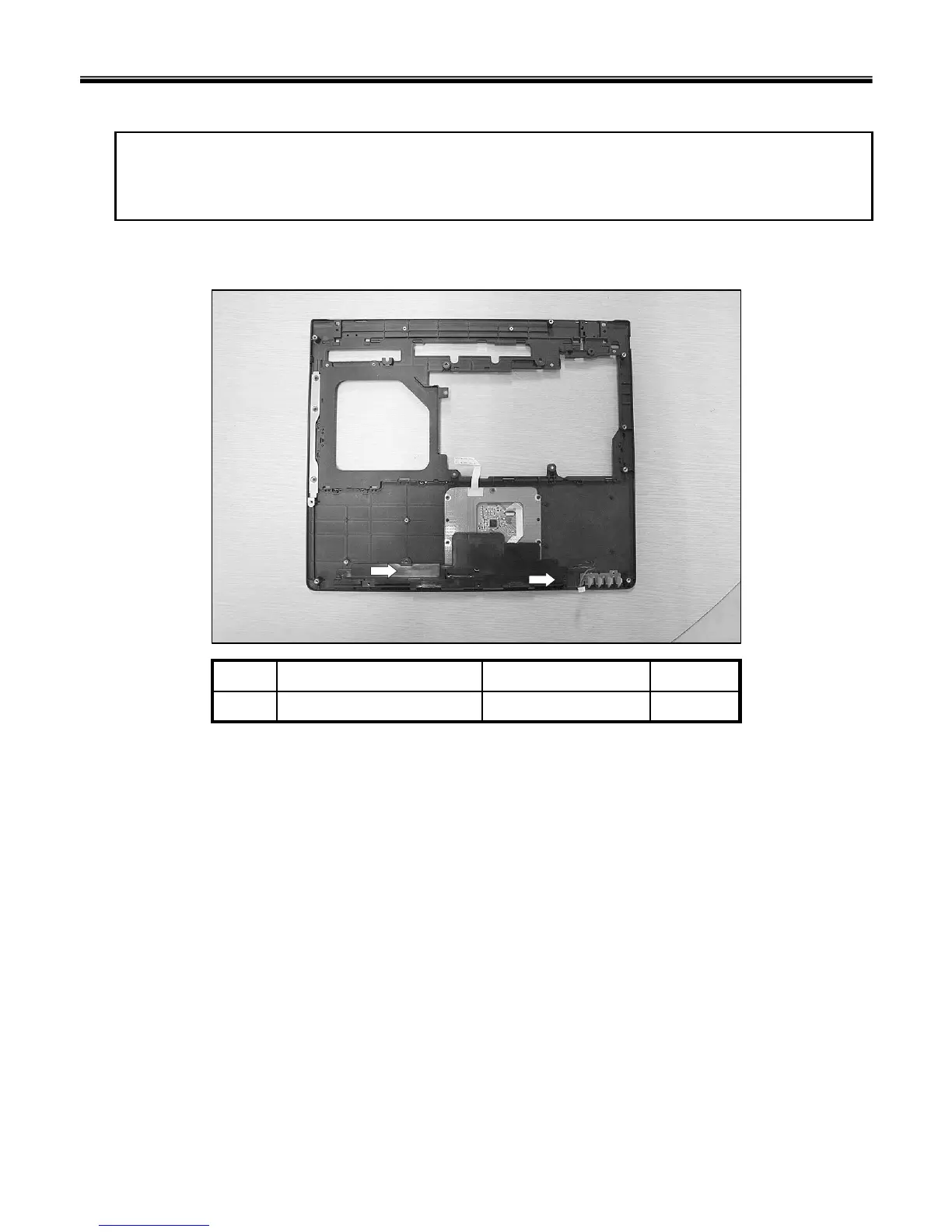
1. Remove 2 Screws, then remove Speaker left and Speaker right.
Remove the following parts in order before replacing this part.
1. Battery Pack(1010) 2. Hard Disk Drive(1020) 3. Wireless LAN Card(1030) 4. Keyboard(1040)
5. Retainer(1050) 6. Keyboard Plate(1060) 7. Display Module(1070) 8. Key Deck(1080)
■ 1110 Speakers
Ch5. Removing and replacing a part
2D3.5 X L3.01SZZBZ4041A1
QtySpecificationFRU No.No.



 To Next Page