36 SMART FUNCTIONS
SMART FUNCTIONS
Smart Diagnosis™ Function
• For appliances with the or logo
Should you experience any problems with the
appliance, it has the capability of transmitting data
via your telephone to the LG Customer Information
Center. NFC or Wi-Fi equipped models can also
transmit data to a smartphone using the LG Smart
ThinQ application.
Smart Diagnosis™ through the
Customer Information Center
This method allows you to speak directly to our
trained specialists. The specialist records the data
transmitted from the appliance and uses it to analyze
the issue, providing a fast and effective diagnosis.
1
Call the LG Electronics Customer Information
Center at:
(LG U.S.A.) 1-800-243-0000
(LG Canada) 1-888-542-2623
2
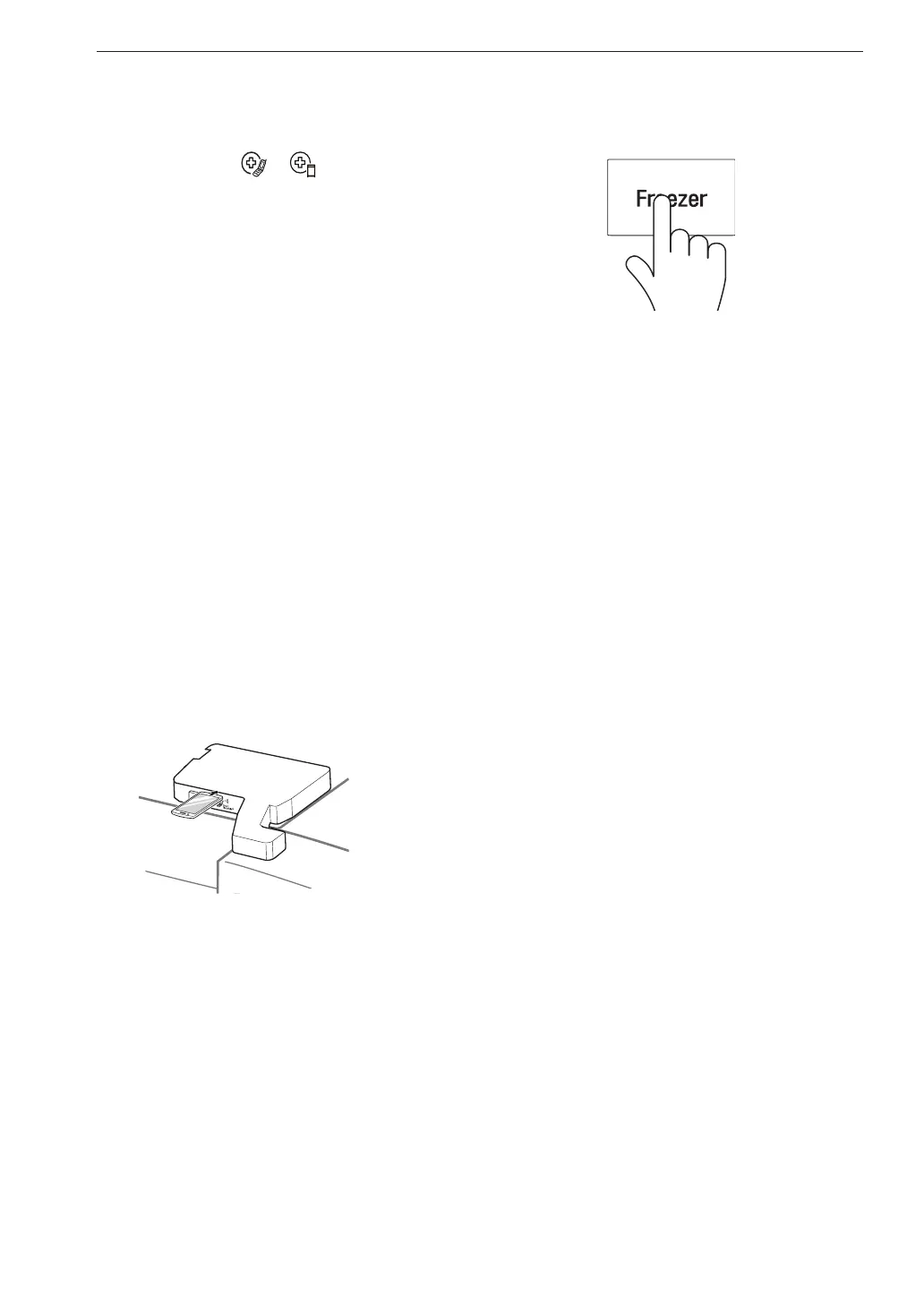
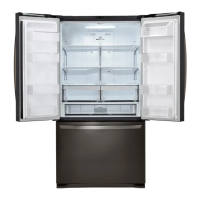
Open the right refrigerator door.
3
Hold the mouthpiece of your phone in front of the
speaker that is located on the right hinge of the
refrigerator door, when instructed to do so by the
call center.
4
Press and hold the Freezer button for three
seconds while continuing to hold your phone to
the speaker.
5
After you hear three beeps, release the Freezer
button.
6
Keep the phone in place until the tone
transmission has finished. The display will
count down the time. Once the countdown is
over and the tones have stopped, resume your
conversation with the specialist, who will then
be able to assist you in using the information
transmitted for analysis.
NOTE
• For best results, do not move the phone while the
tones are being transmitted.
• If the call center agent is not able to get an accurate
recording of the data, you may be asked to try
again.
• The Smart Diagnosis™ function depends on the
local call quality.
• Bad call quality may result in poor data transmission
from your phone to the call center, which could
cause Smart Diagnosis™ to malfunction.


 To Next Page