Normal
Parking
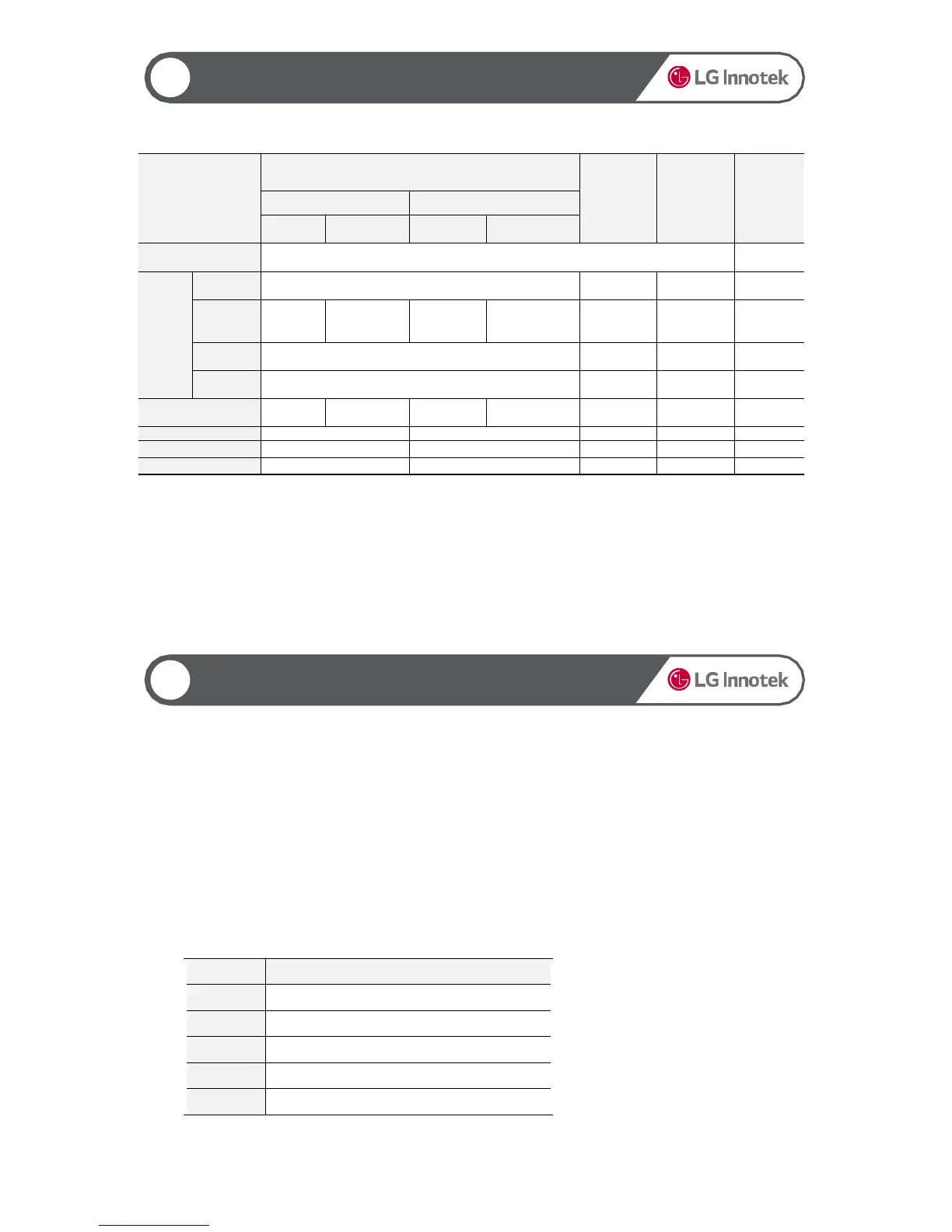
Motion WLAN ON Green/ WLAN OFF Red blink (500 msec.)
Blinks (500
msec.)
Parking
Motion
Parking Green ON Red ON Green ON Red ON ON
Not
recorded
Not installed OFF
Not Fixed Blinks (1 sec.)
Fixed ON
Front Security LED operates only when the language is set to Korean or Chinese (refer to the table above).
If the language is set to others (Japanese, English, Spanish, and French), the Security LED is turned off.
If you change the LED settings through WLAN or PC Viewer, the changed settings apply.
Note 1) If you select "1 Channel" in the settings when 2 channels are connected, the product follows the
scenario for 2-channel connection.
▶ Power Management
11
Low Voltage Cut-off
You can set the constant power cut-off voltage to Disable (11V) or 11.4 - 12.2 (23.1 - 24.3) V on the Viewer.
If an event occurs (and the event file is saved) with the voltage remaining below the cut-off limit and if the
voltage does not rise above the cut-off limit for 30 seconds or more, this product is turned off.
The constant power cut-off function is not enabled in the driving mode. It is enabled only in the parking mode.
▶ Display on the Viewer
The Viewer displays as follows:
Disable is set to 11.0 (23.0) V.
0 Disable
1 11.4(23.1)V
2 11.6(23.4)V
3 11.8(23.8)V
4 12.0(24.0)V
5 12.2(24.3)V


 To Next Page