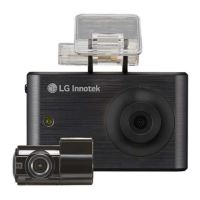
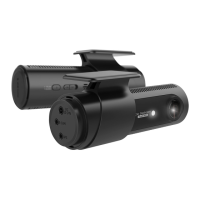
Non LCD FHD-HD DASHCAM
How to format SD Card
1. Keep press button, and power on Dashcam.
2. You’ll listen ‘Format SD Card’ message and SD card will be formatted.
3. When SD card format completed, Dashcam will be turned normal recording mode.
※ In case of sudden power off, SD card format canceled automatically.
23
Firmware Update
1. Power off dshcam and separate SD card from Dashcam.
2. Insert SD card to PC and copy firmware file to SD card.
3. Insert SD Card Dashcam and Power on.
4. Dashcam will update firmware file automatically and LED indicator will be bli
nked while updating.
5. Once firmware update completed, Dashcam will be rebooted automatically. (Dow
nloaded firmware also deleted automatically)
22
Firmware Update
23
Format SD card


 To Next Page