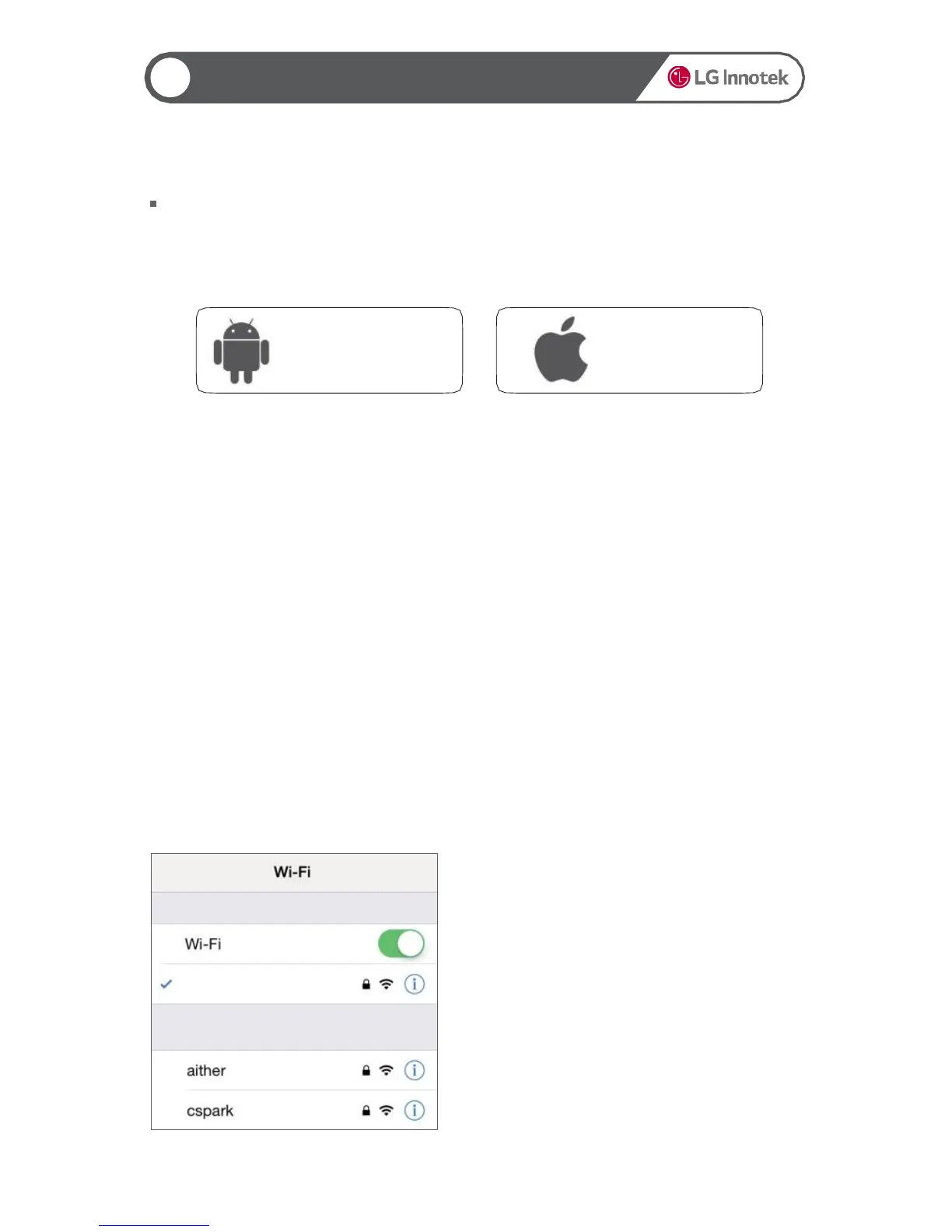
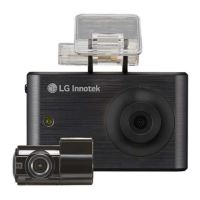
Non LCD FHD-HD DASHCAM
▶ Before use
LG Innotek Smart Manager Application
▶ Smartphone Wireless Setting (iOS)
1. Turn on wireless on the Smartphone
configuration menu.
2. Select ‘LGD 5series’ network on the
wireless list.
3. Press ‘Connect’ after enter the password
[00000000]
LGD 5series
15
Real time video and playback can be delayed depending on the type of Smartphone.
Do not use the application during driving. It may cause accident.
(Please use it always during parking or stop.
Please check wireless signal or the setting if the application can’t be connected to the product
for the first connection.
When [Internet Service Check] menu is ‚On‛ on wireless setting, try again after changing to ‚Off‛.
Try again after all setting on wireless ‚Signal Sensitivity Setting‛
Wireless disconnection can occur depending on a receiving sensitivity and interference
Stable wireless connection can be used in the vehicle.
During wireless connection, FPS can be different depending on the type of Smartphone.
Auto recovery will be operated when wireless is disconnected.
Android phone : LG Innotek recommends above Android version 4.4
Ex) Samsung Galaxy S3/LG Optimus G or equivalent specification
Apple : LG Innotek recommends above iOS version 10.0.2 (iPhone 5)
Application is available for both Android and iOS.
Search ‚LG Innotek‛ in Google Play Store or Apple iOS App Store..
Google Play Store App Store
19
Smartphone APP Download


 To Next Page