EasyManua.ls Logo

LG LH-T361SE - User Manual

LG LH-T361SE
65 pages
Print Icon
To Next Page IconTo Next Page
Loading...
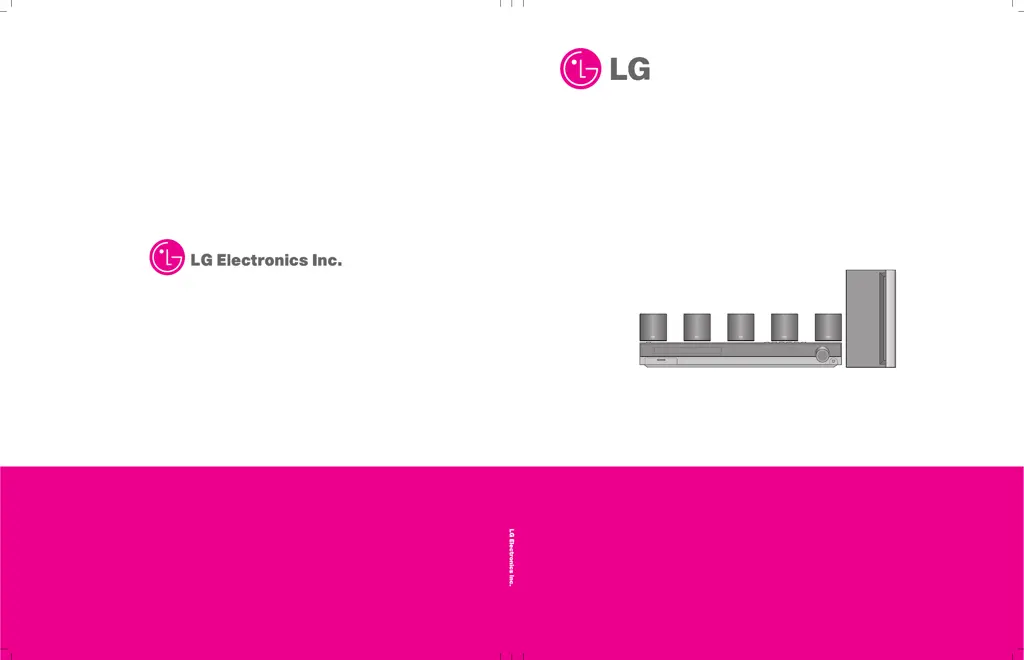
DVD/CD RECEIVER
SERVICE MANUAL
MODELS : LH-T360SE/LH-T3602SE/LH-T3600SE/LH-T361SE/LH-T360XSERVICE MANUAL
MODELS : LH-T360SE/LH-T3602SE/LH-T3600SE/
LH-T361SE/LH-T3630X

Questions and Answers

  • K
    Kenneth CollinsSep 10, 2025
    Why is the playback picture poor on my LG LH-T361SE Receiver?
    • C
      Casey AndersonSep 12, 2025
      If the playback picture quality is poor on your LG Receiver, consider the following: * The disc may be dirty, so try cleaning it. * Ensure a disc is inserted in the device. (Check that the DVD or audio CD indicator in the DVD display is lit.) * Ensure that a playable disc is inserted. (Check the disc type, colour system and Regional code.) * Make sure the disc is placed with the playback side down. * Ensure the disc is placed correctly within the guide on the disc tray. * If a menu is on the TV screen, press the SETUP button to turn it off. * If the Rating level is set, cancel the Rating function or change the rating level.
  • M
    Melissa AndersonAug 22, 2025
    How to fix LG LH-T361SE remote control that is not working properly?
    • T
      Thomas GonzalezAug 23, 2025
      If your remote isn't working, make sure to point it directly at the remote sensor on the LG DVD/CD Receiver and stay within 23 ft (7 m). Remove any obstacles between the remote and the receiver. If the batteries are flat, replace them.
  • C
    Carol WilsonAug 25, 2025
    Why does the LG Receiver remote control not work properly?
    • A
      Angela HernandezAug 25, 2025
      The LG Receiver remote control might not be working for several reasons: * Ensure the remote is pointed directly at the remote sensor on the DVD/CD Receiver. * Make sure you are within 23 ft (7 m) of the DVD/CD Receiver. * Check for any obstacles between the remote and the receiver and remove them. * The batteries in the remote control might be dead; replace them with new ones.
  • T
    tina08Aug 26, 2025
    How to fix LG LH-T361SE when there is no sound?
    • S
      Sandy WilliamsAug 27, 2025
      If you are experiencing a lack of sound or very low sound levels with your LG Receiver, consider the following: * Ensure that the equipment connected with the audio cable is set to receive DVD audio signal output. * Check that the audio cables are securely connected. * Verify that the equipment connected to the audio cable is powered on. * The audio connecting cable may be damaged. If so, replace it.
  • J
    Juan HayesAug 28, 2025
    Why is there no picture on my LG LH-T361SE?
    • S
      Shelby GrayAug 28, 2025
      There are several reasons why you might not see a picture. Ensure your TV is set to the correct video input mode to receive the DVD signal. Check that the video cable is securely connected to the jacks. Also, verify that your TV is turned on.
  • S
    susanbrooksAug 29, 2025
    What to do if my LG DVD/CD Receiver does not start playback?
    • J
      Joel YoungAug 30, 2025
      If your LG DVD/CD Receiver isn't playing, first ensure a playable disc is inserted correctly, with the playback side down and placed within the guide. Check the disc type, color system and regional code. Clean the disc if it's dirty. If a menu is on the screen, press the SETUP button to turn it off. Also, verify that the Rating level is not set, or change the rating level.
  • S
    sallysmithSep 18, 2025
    How to fix P1301 is not OK error on LG LH-T361SE?
    • L
      Larry AyalaSep 18, 2025
      To address a 'P1301 is not OK' error on your LG Receiver, short the 1pin of CN901 with the 4pin of CN901 within the SMPS part.
  • S
    sheri57Sep 12, 2025
    Why won't my LG LH-T361SE Receiver DVD/CD player work even when power is on?
    • J
      Jennifer RoweSep 12, 2025
      If the power is on but the LG DVD/CD Receiver isn't working, make sure a disc is inserted. Check that the DVD or audio CD indicator in the DVD display is lit.
  • D
    David RuizSep 8, 2025
    Why is there loud hum or noise heard from LG LH-T361SE Receiver?
    • J
      Jonathan ClarkSep 8, 2025
      If you are hearing a loud hum or noise from your LG Receiver, consider the following: * The disc may be dirty, so try cleaning it. * Ensure the speakers and components are securely connected. * The DVD/CD Receiver may be too close to the TV, so try moving the TV away from the audio components.
  • D
    Dominic TorresSep 5, 2025
    What to do if there is no picture on my TV with LG LH-T361SE Receiver?
    • L
      Larry PittmanSep 5, 2025
      If you are not getting a picture on your TV when using the LG Receiver, here are a few things to check: * Ensure that your TV is set to the correct video input mode to receive the DVD signal output. * Verify that the video cable is securely connected to both the receiver and the TV. * Make sure that your TV is turned on.

LG LH-T361SE Specifications

General IconGeneral
Channels5.1
Audio Formats SupportedDolby Digital, DTS
USB Ports1
BluetoothYes
Weight5.5 kg
DVD PlayerYes
TunerFM
TypeHome Theater System
HDMI Inputs/Output1 Output

Related product manuals