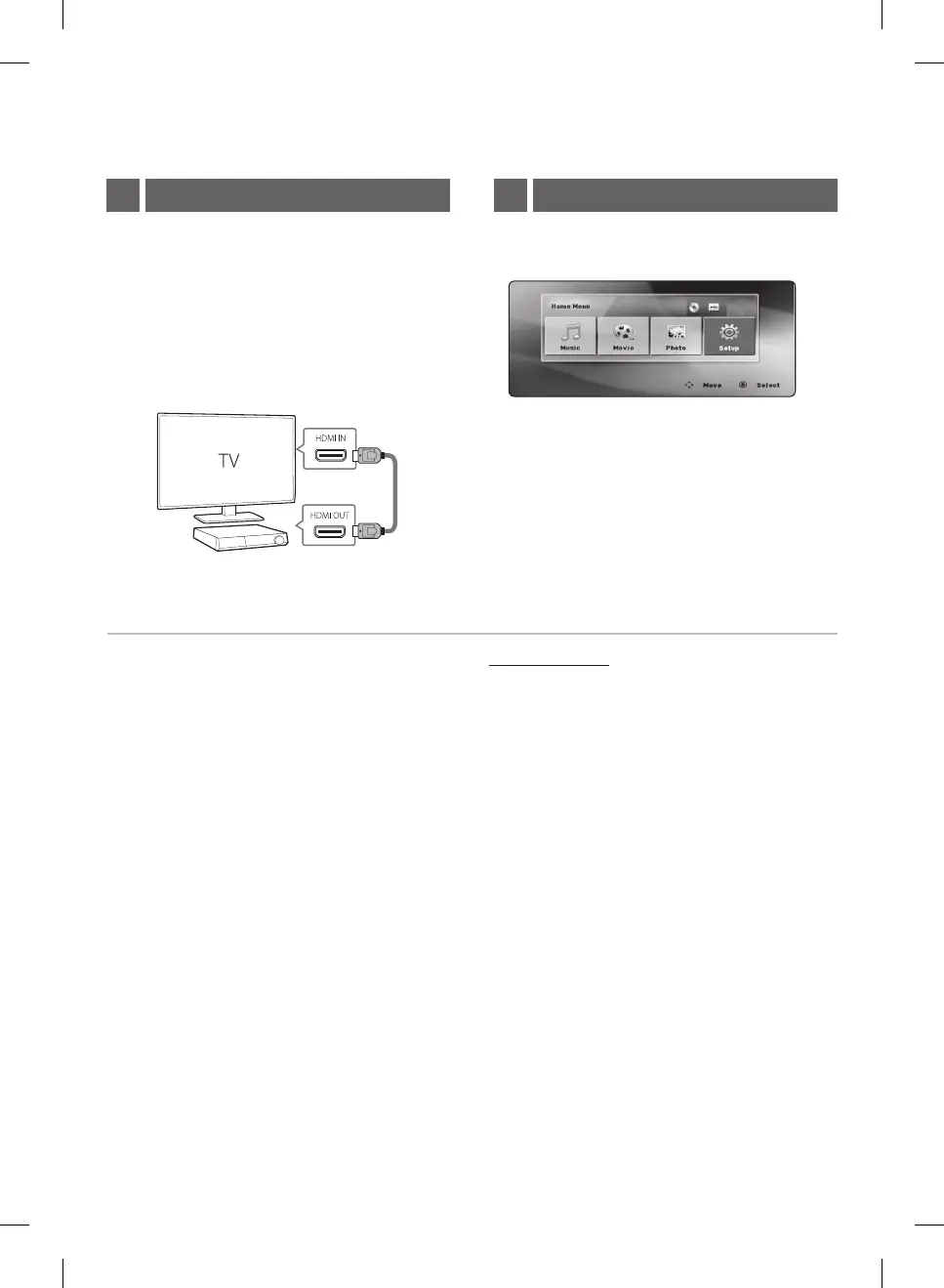
Home menu appears on the TV screen. Enjoy various
functions on the unit.
TV Connection2 Home Menu3
HDMI Connection
a Connect the unit to the TV using HDMI cable.
b Set the input selector to HDMI on the TV.
c Follow the instructions on the TV screen
using remote control.
For more information, download the online owner’s manual. http://www.lg.com
LHD427-FC_ACOLLLK_SIM_ENG_3611.indd 3 2016-12-05 3:45:39


 To Next Page
 Loading...








