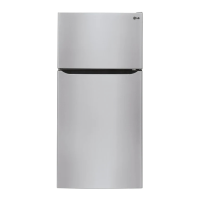
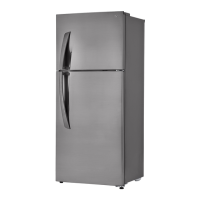
20
OPERATION
Control Panel
The actual control panel may differ from model to model.
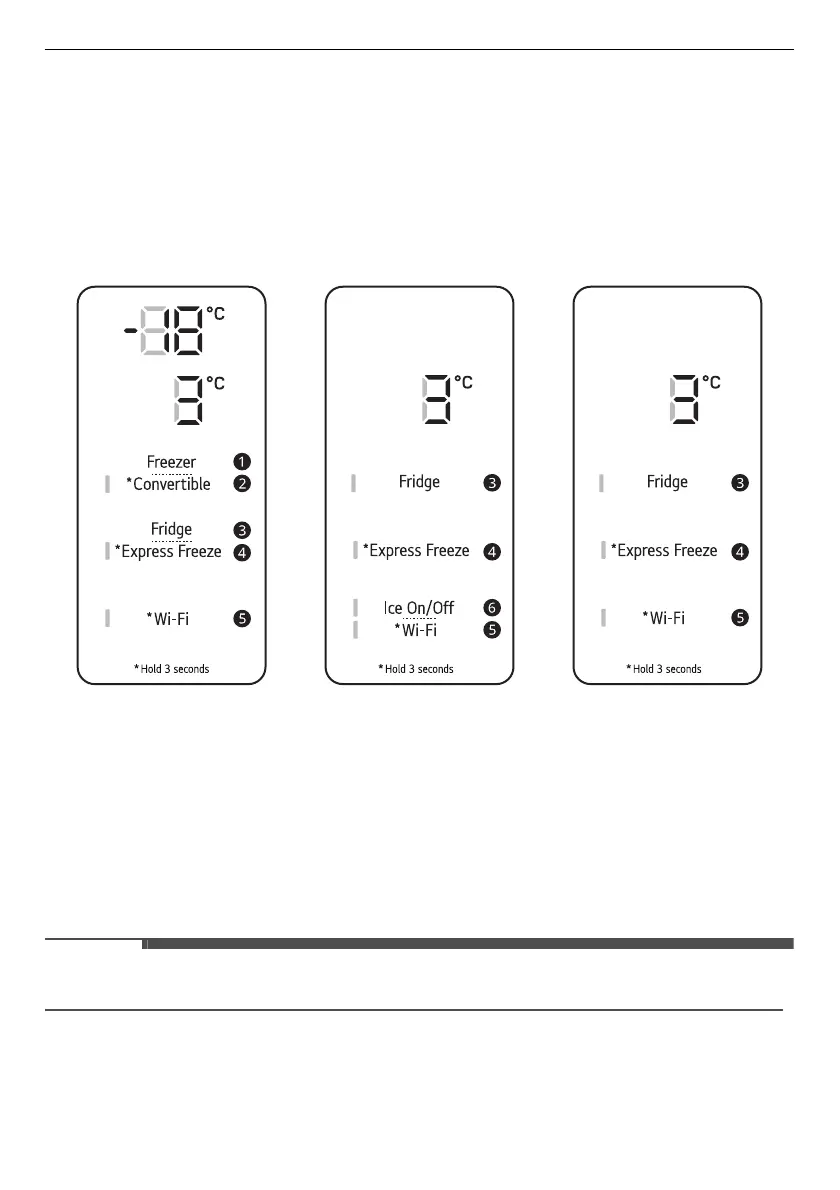
Control Panel and Functions
*1 This control panel is only available on some models.
Control Panel 1: On the Freezer Door
*1
a
Freezer
Press this button repeatedly to select a desired temperature between -23 °C and -15 °C.
• The default freezer temperature is -18 °C.
b
Convertible
You can set the freezer temperature to the same range as the fridge temperature.
• Press this button for 3 seconds. When the left LED light lit, press the
Fridge
button repeatedly to
select a desired temperature between 1 °C and 7 °C.
• Press this button for 3 seconds to disable Convertible function, as LED light off.
• When in Convertible mode,
Express Freeze
and
Freezer
buttons become inactive.
c
Fridge
Press this button repeatedly to select a desired temperature between 1 °C and 7 °C.
• The default fridge temperature is 3 °C.



 To Next Page