52 SMART FUNCTIONS
• Launch the LG ThinQ application and select the
Smart Diagnosis feature in the menu. Follow
the instructions for audible diagnosis provided
in the LG ThinQ application.
1 Press the START button for 3 seconds.
• If the display has been locked, you must
deactivate the lock and then reactivate it.
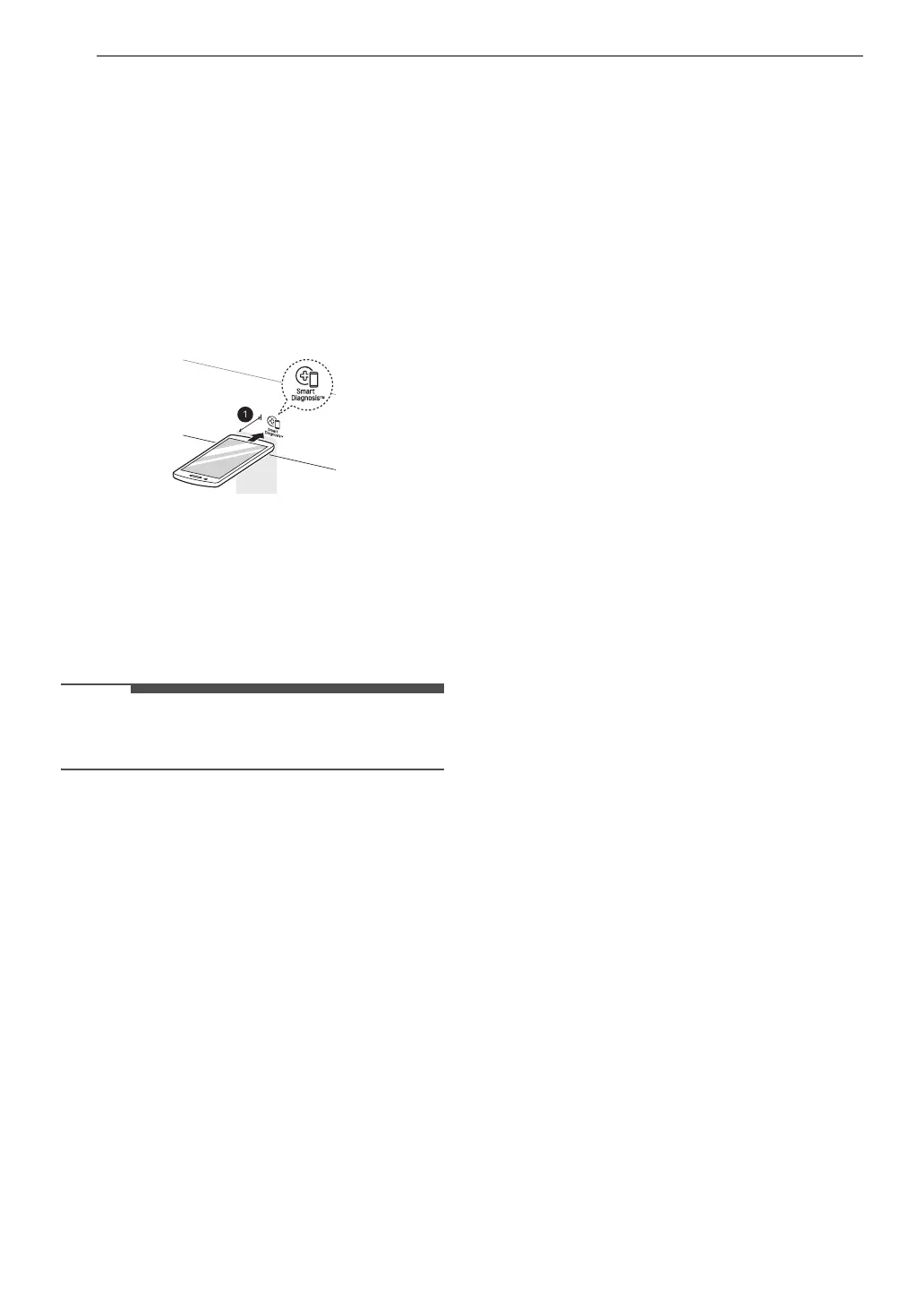
2 Hold the mouthpiece of your phone in front of
the Smart Diagnosis logo located on the
control panel.
a Max: 3/8" (10 mm)
3 Keep the phone in place until the tone
transmission has finished. The display will
count down the time. Once the countdown is
over and the tones have stopped, the
diagnosis will be displayed in the application.
• For best results, do not move the phone while
the tones are being transmitted.


 To Next Page