EasyManua.ls Logo

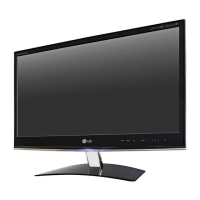
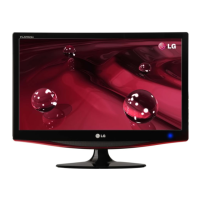
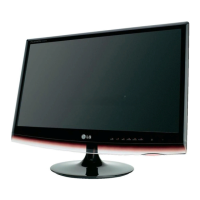
LG M2432D - User Manual

LG M2432D
48 pages
Print Icon
To Next Page IconTo Next Page
Loading...
лчиттничюнльтцию.
глтчн.Бзвыдны
www.sotmarket.ru
дбняинфмциятв,
тзывы,бзыиы
Инструкция
LG M2432D
Перейти в карточку товара
8 800 775 98 98

Questions and Answers

  • A
    Anthony SnowAug 10, 2025
    What to do if my LG M2432D has no image and sound?
    • R
      richard73Aug 10, 2025
      If your LG LCD TV isn't showing an image and there's no sound, first ensure the TV is actually powered on. Next, verify that the power cord is securely connected to both the TV and the wall outlet. Lastly, test the wall outlet by plugging in another device to confirm it's working correctly.
  • M
    Miguel CruzAug 19, 2025
    Why does my LG LCD TV turn off by itself?
    • M
      Mary ThompsonAug 20, 2025
      If your LG LCD TV is turning off unexpectedly, you should first check the power control settings to ensure the power supply isn't being interrupted. Also, verify that the Auto sleep feature is not enabled within the Time settings. Lastly, be aware that if the TV doesn't receive a signal for 15 minutes while it's on, it will automatically shut off.
  • T
    tthomasAug 31, 2025
    How to fix an LG LCD TV remote that is not working?
    • B
      Brandon ColeAug 31, 2025
      If you're unable to control your LG LCD TV with the remote, start by checking the remote control sensor on the TV and try again. Make sure there are no obstructions between the remote and the TV. Also, ensure the batteries in the remote are working and correctly installed.

LG M2432D Specifications

General IconGeneral
Screen Size24 inches
Display TypeLCD
Aspect Ratio16:9
Brightness250 cd/m²
Contrast Ratio1000:1
Response Time5 ms
HDMI Ports2
USB Ports1
Built-in SpeakersYes
Resolution1366 x 768
Viewing Angle170° horizontal / 160° vertical
InputsHDMI, Component, Composite, RF
Power Consumption30W

Related product manuals