Custom-designed Features 15
Camera features
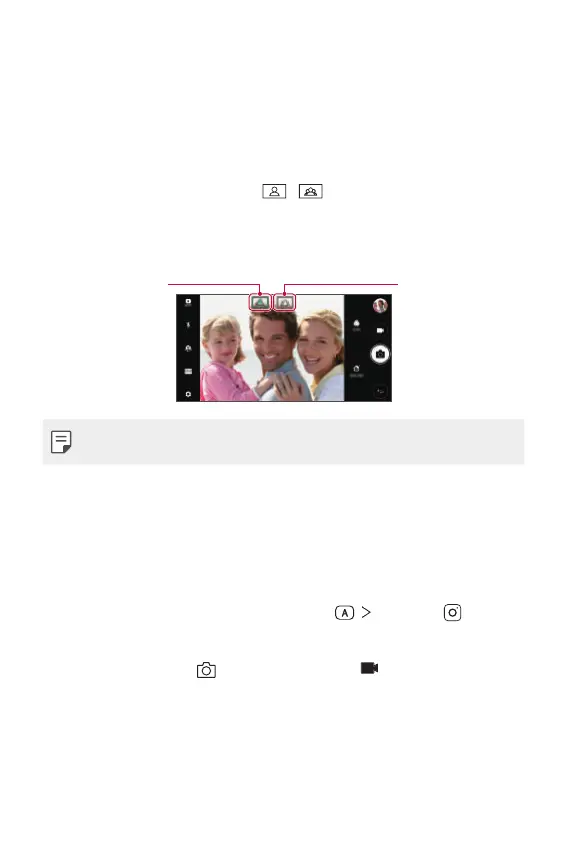
Wide-angle camera
You can take photos or record videos with a wider range than your actual
field of vision by using the wide-angle on the front camera.
Launch the Camera app, then tap
/ to switch between the
standard and wide-angle.
Front camera
Standard angle icon
Wide-angle icon
• See
Starting the camera
for details.
SQUARE camera mode
You can take multiple photos or videos in the form of a collage by using
the front and rear cameras. Photos and videos can be saved with different
layouts.
1
Launch the Camera app, then tap AUTO ( ) SQUARE ( ).
2
Tap MODE and select the desired camera mode.
3
To take a photo, tap . To record a video, tap .



 To Next Page