Custom-designed Features 21
3
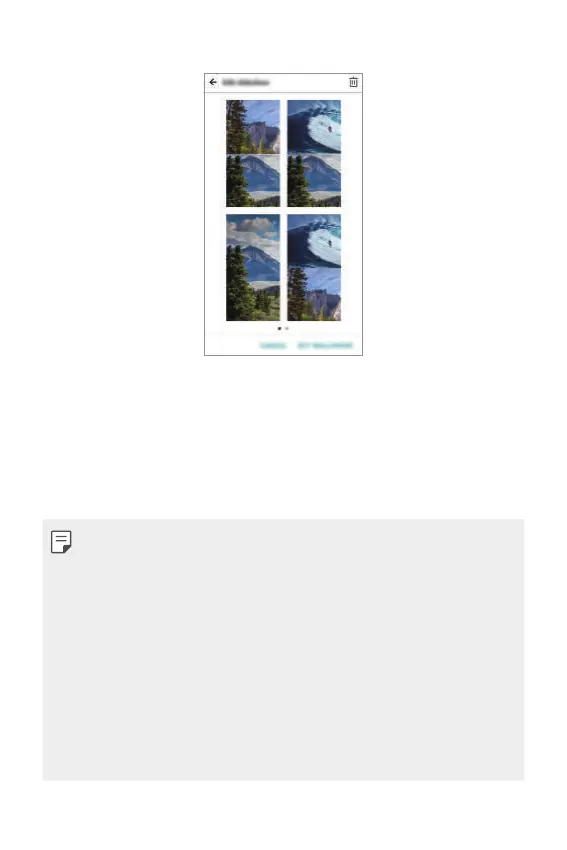
Edit the slideshow as desired and tap SET WALLPAPER.
Face recognition
Face recognition overview
You can release the screen lock by using the saved facial data.
• This feature may be more vulnerable to security than the other screen
locks such as Pattern, PIN, and Password.
• When a similar face or your photo image is used, the screen lock can be
released.
• The recognised facial data is securely stored in your device.
• When the face recognition is selected for screen lock, you must enter
the Pattern, PIN, or Password that has been used for face registration
without directly using the face recognition after the power is turned on.
Accordingly, be careful not to forget the specified value.
• If the device cannot detect your face, or you forgot the value specified
for registration, visit the nearest LG Customer Service Centre with your
device and ID card.



 To Next Page