Useful Apps 81
Gallery
Gallery overview
You can view and manage photos and videos saved on your device.
1
Tap .
• Saved photos and videos are displayed by folder.
2
Tap a folder and select a file.
• View the selected file in full-screen mode.
• While viewing a photo, swipe left or right to view the previous or
next photo.
• While viewing a video, swipe left or right to rewind or fast-forward
the video.
• Some file formats may not be supported, depending on the installed
software.
• Some files may not be opened due to encoding.
• Files that exceed the size limit may cause an error.
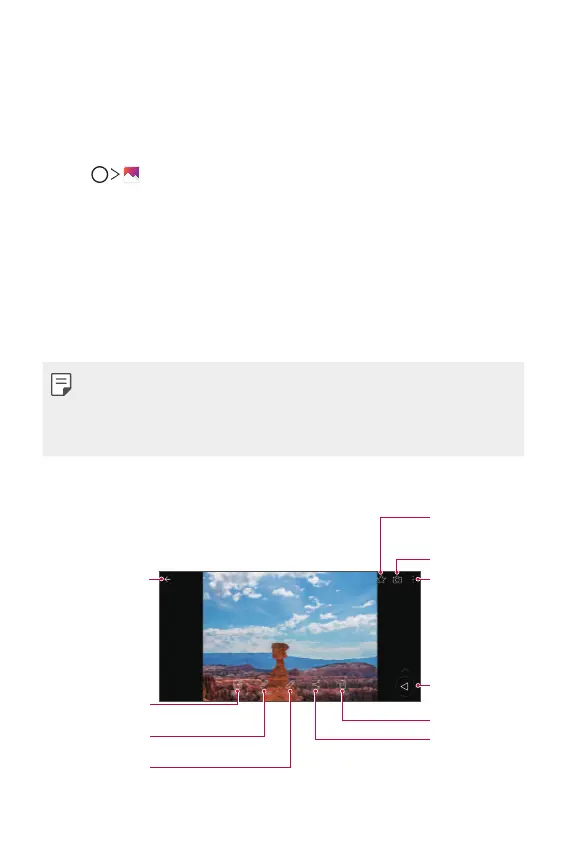
Viewing photos
Back to the
previous screen.
Write a memo on a
photo.
View related
content.
Edit images.
Access additional
options.
Back to the
previous screen.
Delete images.
Start the camera.
Add to or remove
from your
favourites.
Share images.



 To Next Page