Useful Apps 66
Rejecting a call
To reject an incoming call, drag across the incoming call screen.
• To send a rejection message, drag the rejection message option
across the screen.
• To add or edit a rejection message, tap
Settings Networks
Call Call blocking & Decline with message Decline with
message.
• When a call is coming in, press the Volume Up (+), Volume Down (-) or
Power/Lock key to mute ringtone or vibration, or to hold the call.
Checking an incoming call while using an app
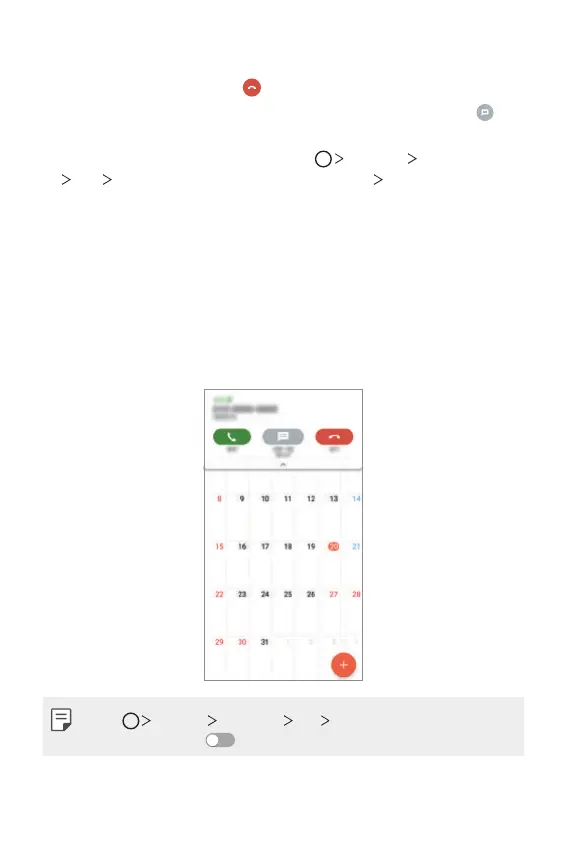
When a call comes in while using an app, a pop-up notification can be
displayed at the top of the screen. You can receive the call, reject the call,
or send message from the pop-up screen.
• Tap Settings Networks Call More and then tap Incoming
voice call pop-up
to deactivate it.



 To Next Page