5
ENGLISH_Index
up/down/left/rightPresstheup,down,leftorrightbuttontoscrollthemenu.Ifyoupress
theup,down,leftorrightbuttonwhilethepointerisinuse,thepointerwilldisappearfromthescreen
andMagicRemotewilloperatelikeageneralremotecontrol.Todisplaythepointeronthescreenagain,
shakeMagicRemotetotheleftandright.
BACKReturnstothepreviouslevel.
BACKClearson-screendisplaysandreturnstolastinputviewing.
Q. SettingsAccessestheQuickSettings.
Q. SettingsDisplaysthe[AllSettings]menu.
1
Streaming Service buttonsConnectstotheVideoStreamingService.
, , , Theseaccessspecialfunctionsinsomemenus.
Red buttonRunstherecordfunction.
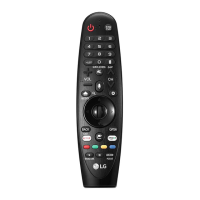
• Theremotecontrolimageshownmaydifferfromtheactualproduct.
• Theorderofdescriptionmaydifferfromtheactualproduct.
• Somebuttonsandservicesmaynotbeprovideddependingonmodelsorregions.


 To Next Page