Need help?
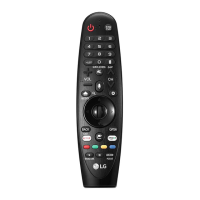
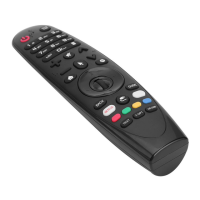
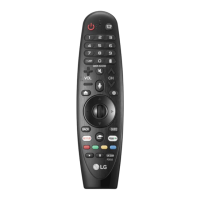
Do you have a question about the LG Magic Remote Premium and is the answer not in the manual?
Instructions on how to open the battery cover and replace batteries in the Magic Remote.
Steps for pairing and unpairing the Magic Remote with the TV.
Details on the microphone, power, guide, and number input functions.
Explains access to program lists, quick help, and custom shortcut features.
Covers extended functions, audio descriptions, and volume adjustment controls.
Describes mute functions and requirements for voice recognition.
Explains access to home menu, input sources, and magic explorer features.
Details on menu navigation and accessing video streaming services.
Explains the red button for recording and special menu functions.
Guidelines on operating range and potential interference sources.
Important warnings regarding battery insertion, handling, and disposal.
Instructions for using NFC to connect smart devices and install the LG ThinQ app.
 General
| Type | Magic Remote |
|---|---|
| Connectivity | Bluetooth, Infrared |
| Compatibility | LG Smart TVs |
| Voice Control | Yes |
| Microphone | Yes |
| Battery | AA |

 To Next Page