19
Accessories
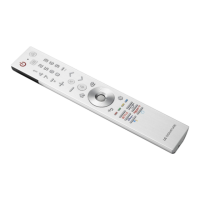
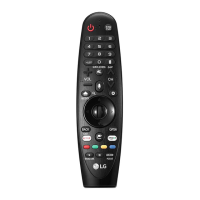
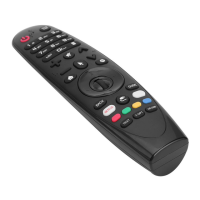
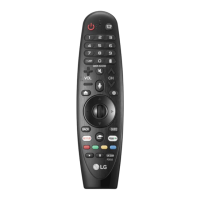
• MagicRemoteandAlkalineBatteries(AA)
• Owner’smanual
( Dependingoncountry)
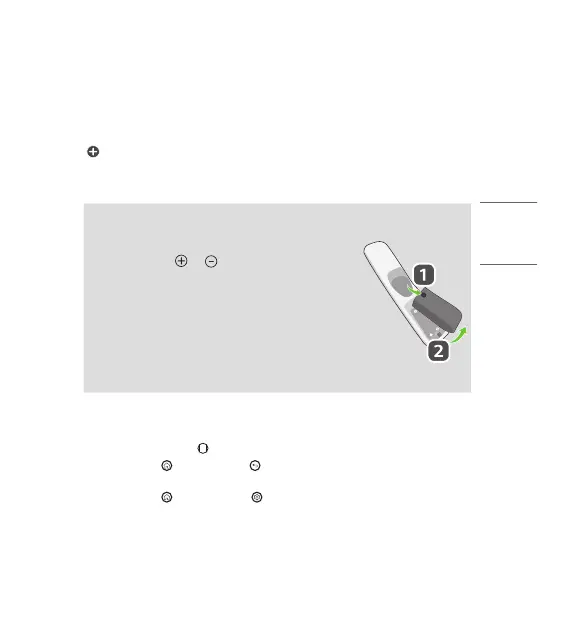
Installing Batteries
• Pressthetopofthebatterycover,slideitback,andliftthecoveras
shownbelow.
• Toreplacebatteries,openthebatterycover,replacealkalinebatteries
(1.5V,AA)matching and endstothelabelinsidethe
compartment,andclosethebatterycover.Besuretopointtheremote
controlattheremotecontrolsensorontheTV.
• Toremovethebatteries,performtheinstallationactionsinreverse.
Don’tmixoldorusedbatterieswithnewones.Closethecover
securely.
• Failuretomatchthecorrectpolaritiesofthebatterymaycausethe
batterytoburstorleak,resultinginfire,personalinjury,orambient
pollution.
Register/Unregister the Magic Remote
• TurnontheTVandpressthe Wheel (OK)ontheMagicremoteforregistration.
• Pressandholdthe (Home)buttonand (Back)buttontogetherformorethan5secondsto
disconnecttheMagicRemote.
• Pressandholdthe (Home)buttonand (Q. Settings)buttontogetherformorethan5secondsto
disconnectandre-registertheMagicRemoteatthesametime.

 To Next Page
 Loading...