Operating 15
Operating
3
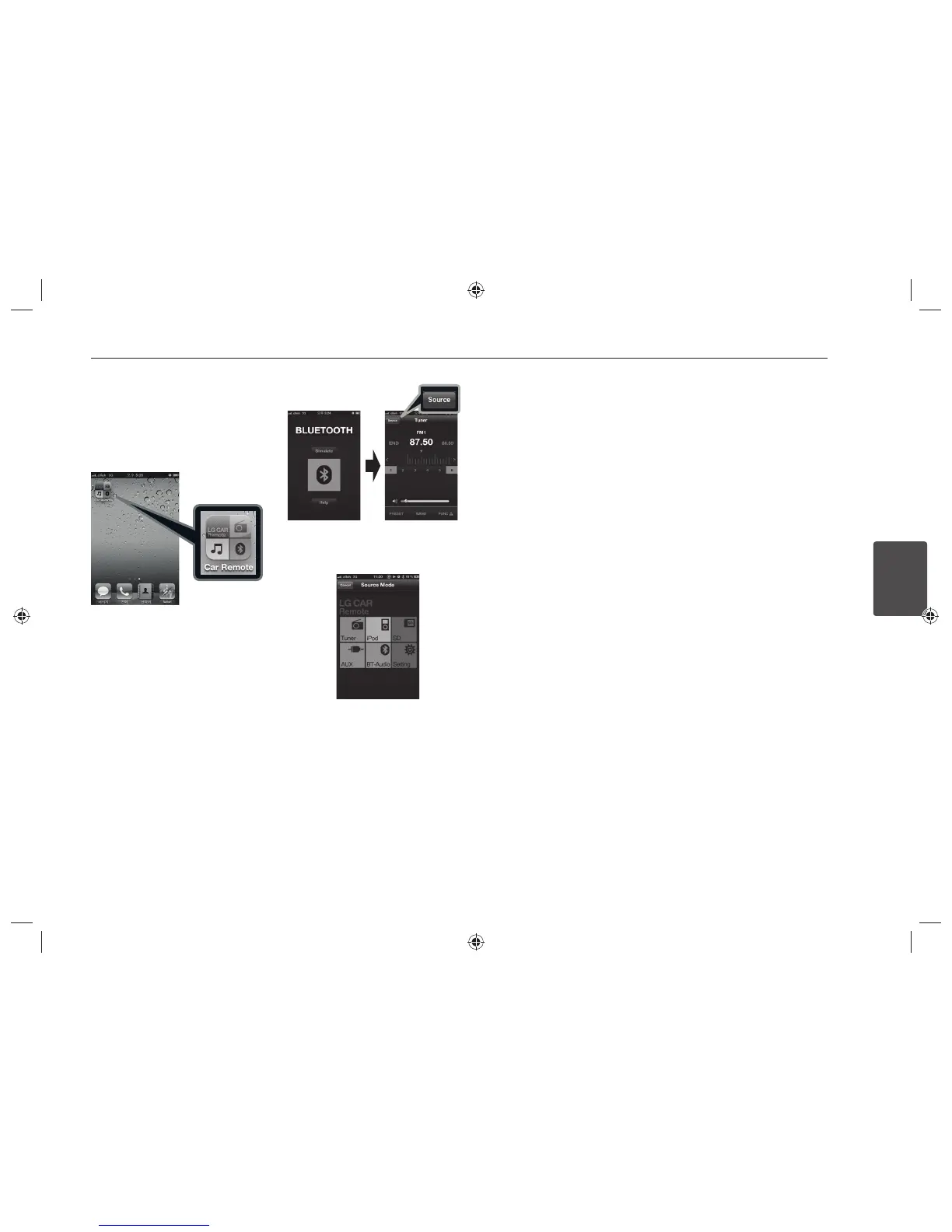
Using "LG CAR Remote"
application
You can control the unit by using the "LG
CAR Remote" application.
1. Search the “LG CAR Remote” application
and install it.
[Displays installed "LG CAR Remote"
application]
2. Pairing links your unit and iPhone with
Bluetooth wireless technology. (Refer
to the page 13.)
3. Press and hold • APP.
When you run the “LG CAR Remote”
application, activating source is
displayed after initial screen. Then you
can control the unit on iPhone.


 To Next Page