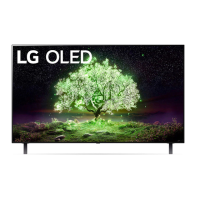
WebOS22 New Feature: Multi View
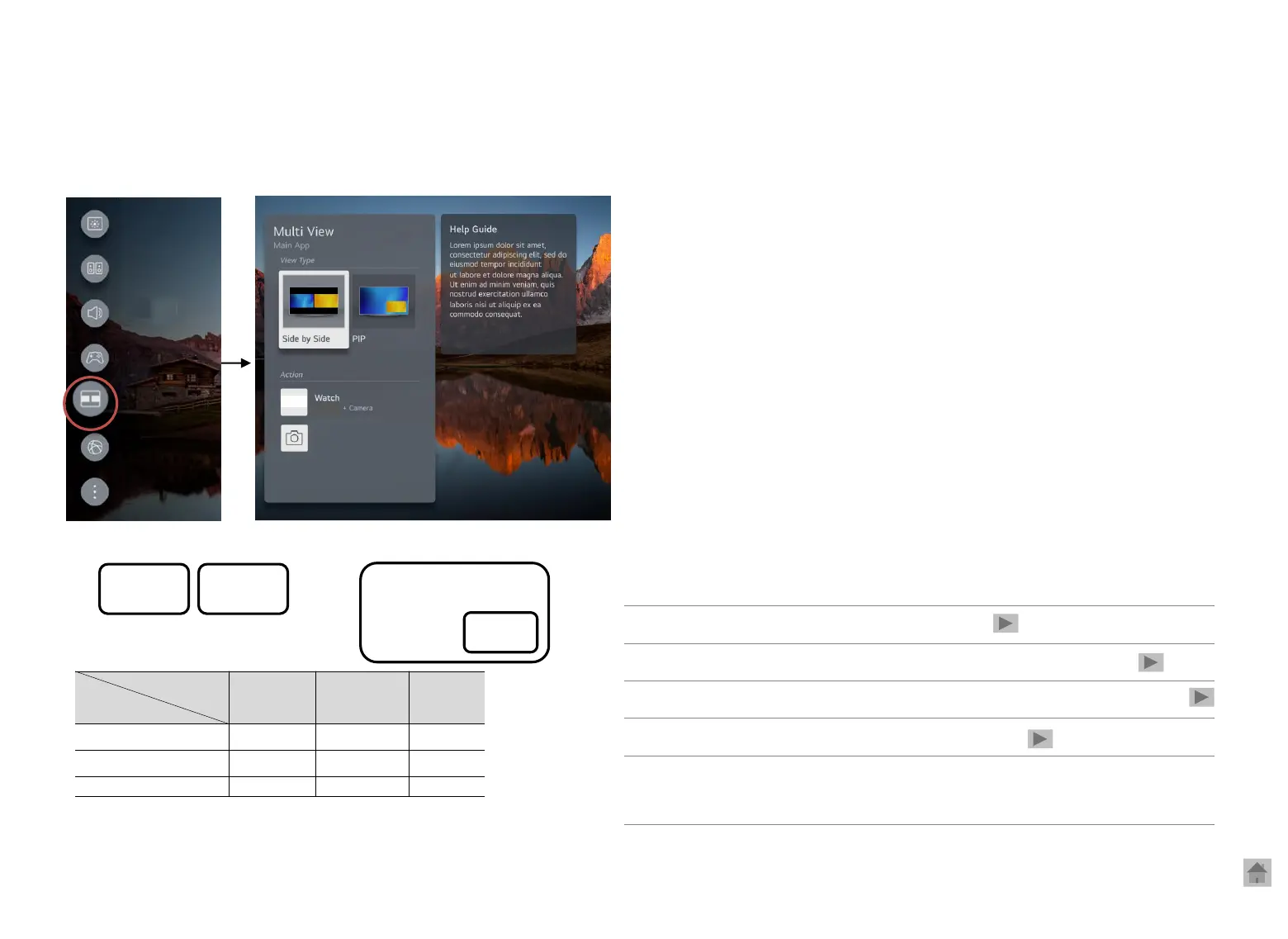
◎ Access: Home> Multi View
Two screens at the same time
Multi View
Quick settings– Launch Multi View
App 2
1
USB
Camera
Screen share
Miracast
Spotify
Live TV ● ● ○
HDMI ● ● ○
Gallery - - ●
Camera
HDMI
HDMI
App1
App 2
App 1
App 2
Side by Side mode
PIP mode
Q1. I can’t open an application using Multi View.
Q2. Unable to run the combination of apps
Q3. The app forcibly closes while Multi View is running. / Suddenly
Q4. I can’t launch Multi View in the game dashboard.
Q5. Screen Saver automatically starts when no movement is detected for 30
minutes while watching videos using Multi View,
(OLED)
※ Resolution/Audio Spec restrictions
Copyright © 2022 LG Electronics. Inc. All rights reserved.
Only for training and service purposes.


 To Next Page