CIC Guide
Inquiry &
Reason
■ Inquiry: A customer wanted to send/receive the TV screen connected to the set-top box using the Room-to-Room function, but a
message that says ‘Set the universal remote control’ pops up.
■ Reason: It is difficult to understand how to set the universal remote control
Caution &
Explanation
1) To send/receive an external device screen using the Room-to-Room function, the universal remote control must be set.
(Settings-> All settings-> General-> General-> Managing TV & External device-> External device settings-> Universal remote control
settings)
2) If the universal remote control is not set, you can’t send/receive an external device screen.
Customer
Service
Guide
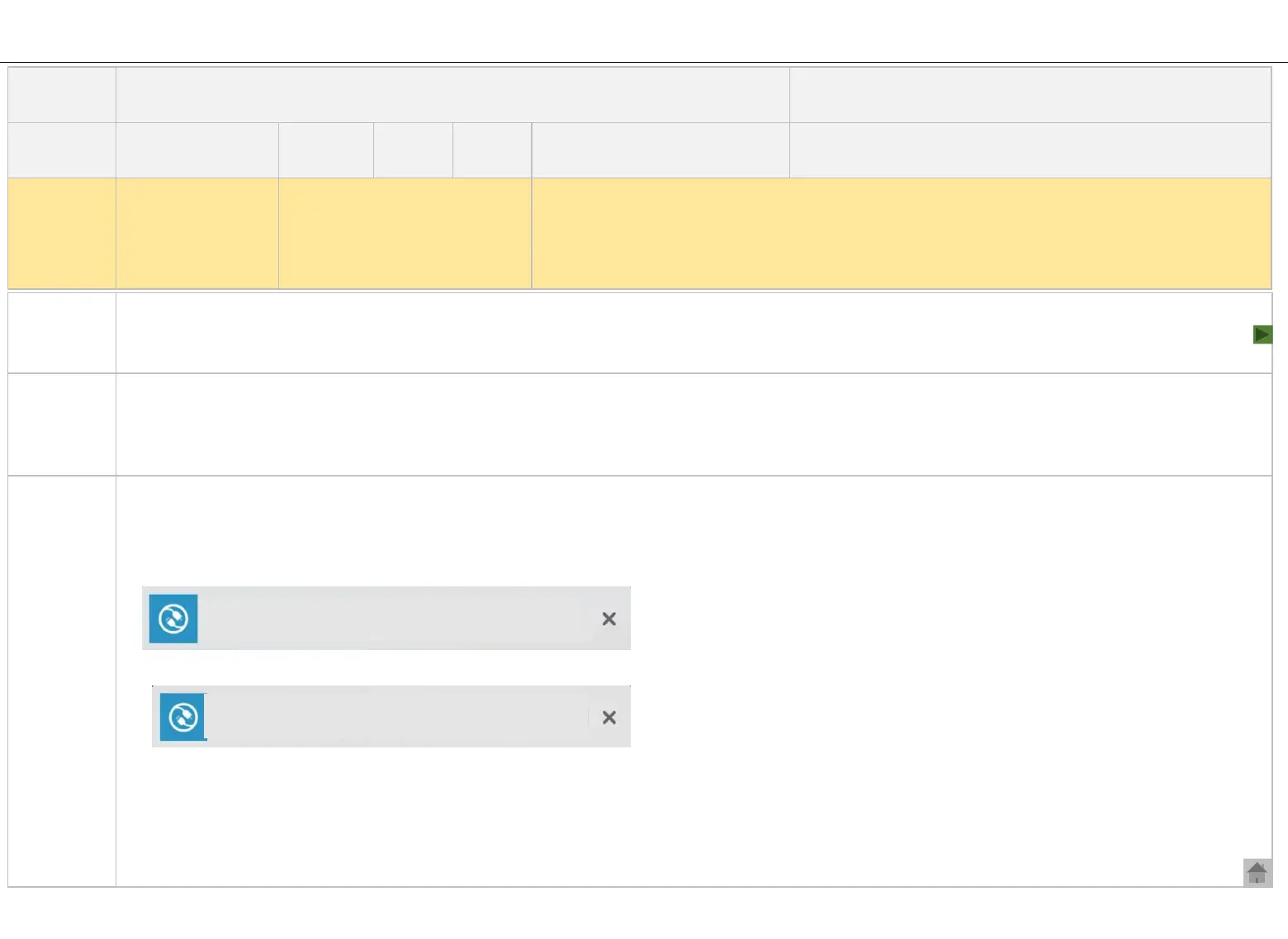
■ Connect the external device you wish to use with the universal remote control function to a TV using an HDMI cable. The TV recognizes
the connected device and automatically sets the universal remote control function. (Applicable for some device). After completing the
setting, the below message will be displayed in the upper right corner of the TV screen.
■ If the universal remote control function is not automatically set, the below message will pop up in the upper right corner of the screen.
By following the steps below, you can manually set the universal remote control.
※ Settings-> All settings-> General-> General-> Managing TV & External device-> External device settings-> Universal remote control
settings Connecting device Device type Select input terminal Select STB operator or manufacturer (If not in the list, search and
select) Test remote control operation (Follow the guideline on the screen) Completed
Title
When using Sending Screen or Receiving Screen, a message that says ‘Connect IR
Blaster’ pops up
Korea( √ ) Overseas(√ )
CIC agent
(√ ) Customer( )
TV
Product
All
Model
All webOS TV models
launched before 2022
Troubleshooting
(√ )
Operation
( )
Installation
(√ )
Category
It is difficult to set
the universal
remote control to
use the Room-to-
Room function.
Inquiry
I want to send/receive the TV screen connected to the set-top box using the Room-to-Room
function.
1) I’m not quite sure how to set the universal remote control.
※
How the universal remote control works with the Room-to-Room function
[HDMI 3] You can control the device using an AI remote
control if you set the device on the connected app.
[LGU+ TV] The device is connected. You cant control it with
the AI remote control. .


 To Next Page