49
CUSTOMIZING SETTINGS
CUSTOMIZING SETTINGS
SETUP Menu
1 Press the SETTINGS button.
2 Use the or button to select a desired item and press theOK button.
3 Use the or button to set up a desired item and press theOK button.
4 When you finished, press SETTINGS.
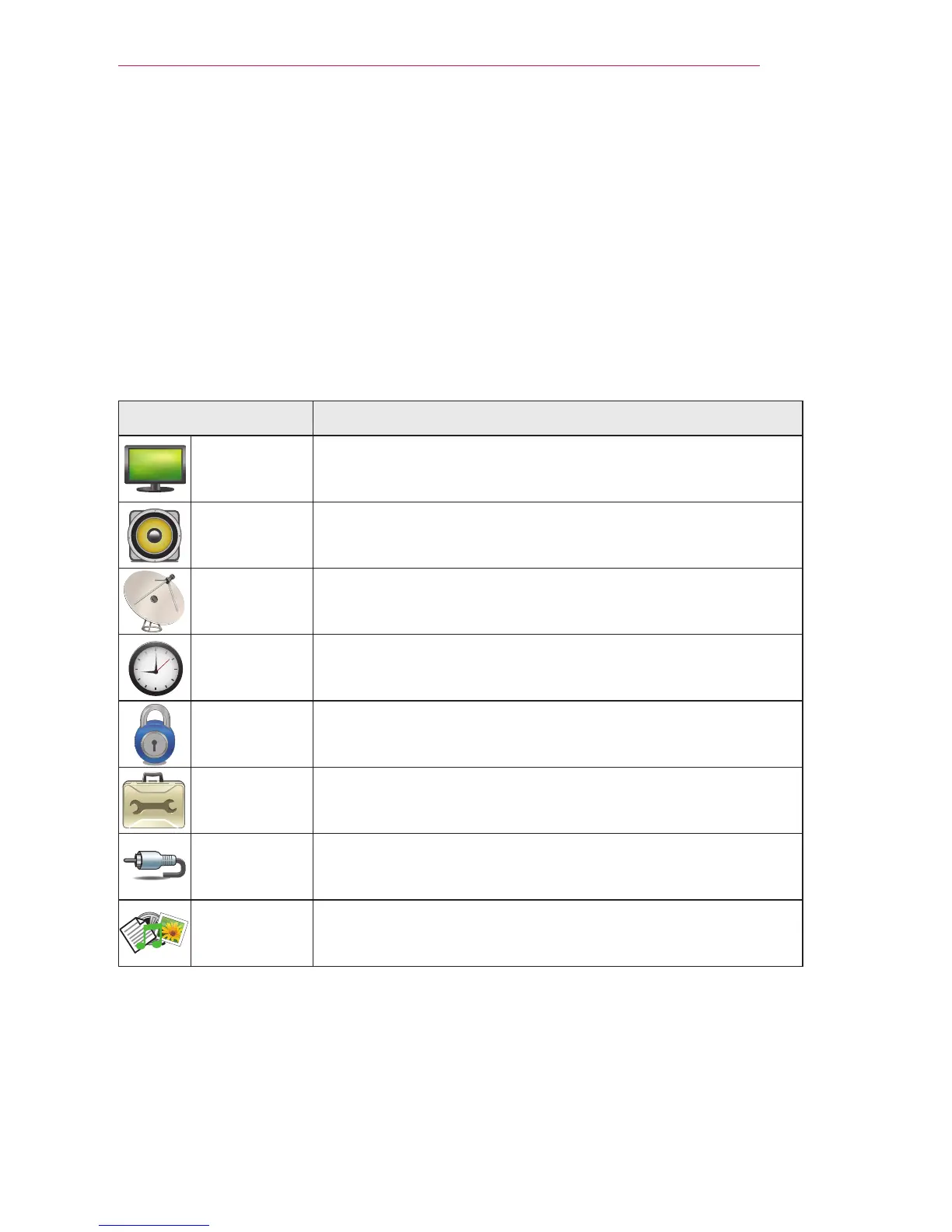
Menu Description
PICTURE Adjusts the image quality for optimal viewing.
AUDIO Adjusts the sound quality and volume level.
CHANNEL Sets up and edit channels.
TIME Sets the time and time-related features.
LOCK Locks or unlocks channels and programs.
OPTION Customizes the general settings.
INPUT Selects the desired input source.
MY MEDIA Accesses photo, music, movie, and document files.


 To Next Page