4
Voice
Command
Use voice command of your smart device
. . . . . . . . . . . . . . . . . . . . . . . . . . . . . . . . . . . . . .
Hold for 2 seconds
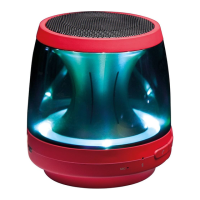
Mood light
Party Water Forest [JellyBean (Customizing)]
Off
.................................................
Press
To enable JellyBean option, you have to customize with
“LG XBOOM” app.
Sound effect
(
: (Off): Standard / : (On): SOUND BOOST)
.....................................
Press SOUND BOOST.
Dual Mode
Press each speaker’s
DUAL button.
(Dual Mode LED: Blink ON)
Multi Mode
Press each speaker’s
MULTI button to select MAIN or OTHER.
Multi phone pairing Dual Mode
Multi Mode



 To Next Page
 Loading...