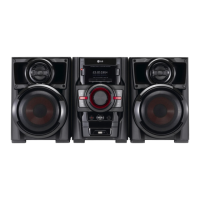
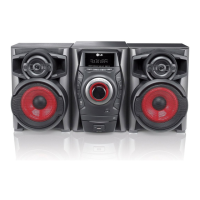
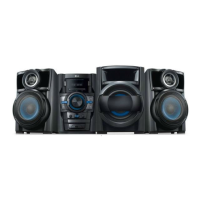
Getting Started 9
Getting Started
1
a
1
/
!
(Power)
b
TIMER
With the TIMER function you can turn CD, USB
play and TUNER reception on or o at a desired
time.
SET/ DEMO
Con rms the setting. / show demo.
CLOCK
For setting the clock and checking the time.
c Z
STOP
d
BASS BLAST
Reinforces the treble, bass and surround e ect.
e
C
/ TUN. - (Skip/Search)
f
VOLUME
g
R (REC)
Recoding to USB.
h
Disc tray
i
Display window
j
FUNC.
Selects the function or input source.
k d
/
M
ST./ MO.
Starts playback and pauses. Selects Mono/
Stereo.
l
EQ
Chooses sound impressions.
m
V
/ TUN. + (Skip/Search)
n
B
(OPEN/CLOSE)
o
AUTO DJ
Selects the AUTO DJ mode. (For more
informaion refer to the page 14).
p
USB Port
You can play or recoding sound les by
connecting the USB device.


 To Next Page