10
Quick
Start
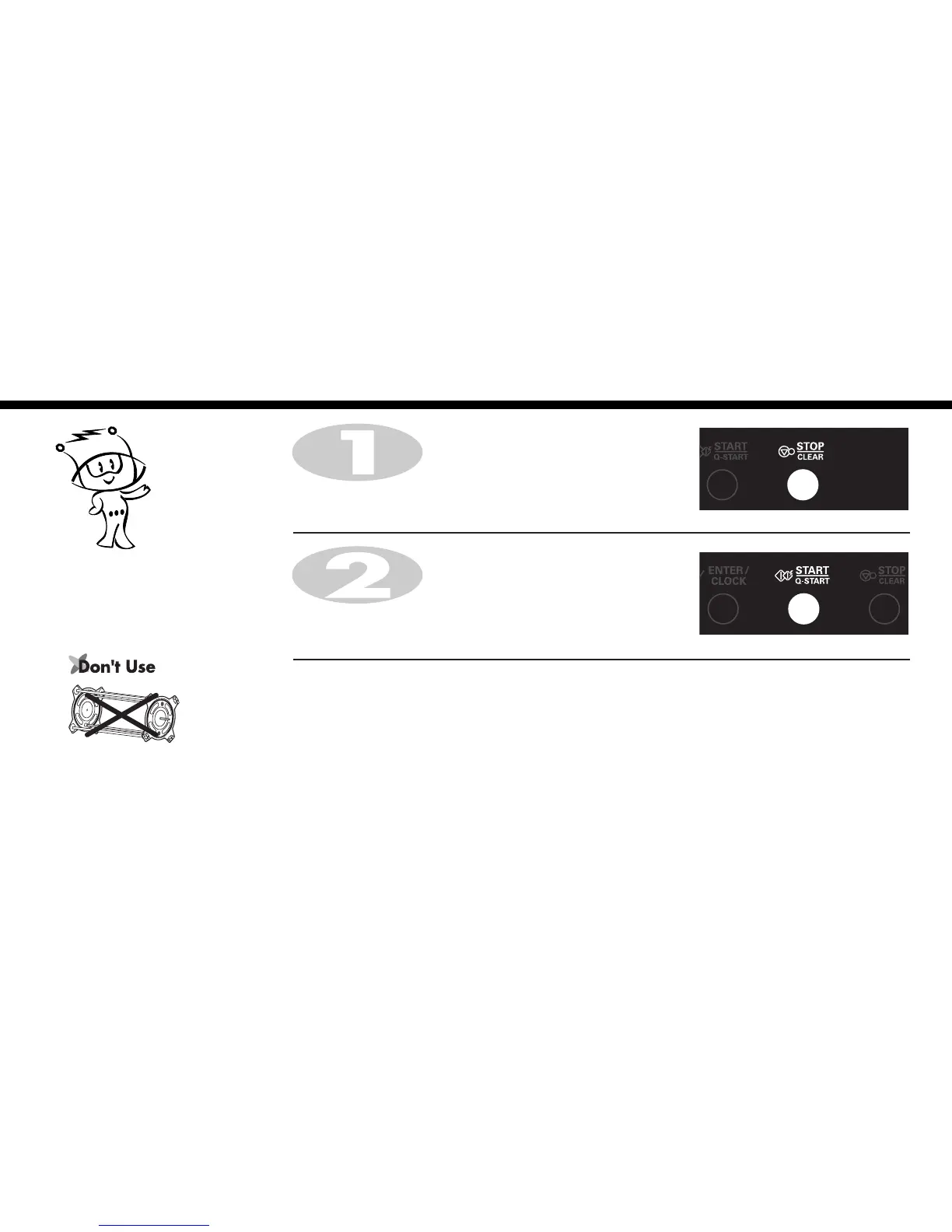
In the following example I will show you how to set 2 minutes of cooking on high power(900W).
Press START/Q-START four times to select 2 minutes on HIGH
power(900W).
Your oven will start before you have finished the fourth press.
Press STOP/CLEAR.
The Quick Start feature allows you to set
30 seconds intervals of HIGH
power(900W) cooking with pressing of
the
START/Q-START button.





 To Next Page