Custom-designed Features 18
QSlide
You can start apps by using QSlide to use them while other apps are
running.
For example, use the calculator or calendar when a video is playing.
When an app is running, tap
QSlide.
• This feature may not be supported by some apps.
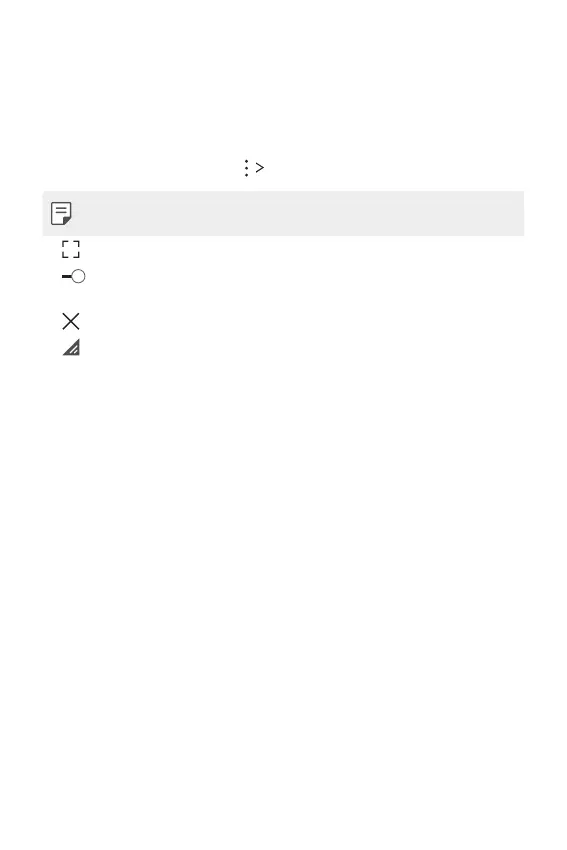
• : Turn off the QSlide mode to switch to full-screen mode.
•
: Adjust the opacity of the QSlide window. If the QSlide window
is transparent, it will not respond to touch inputs.
•
: Close the QSlide window.
•
: Adjust the size of the QSlide window.



 To Next Page