Basic Functions 37
Home screen
Home screen overview
The Home screen is the starting point for accessing various functions
and apps on your device. Tap
on any screen to directly go to the
Home screen.
You can manage all apps and widgets on the Home screen. Swipe the
screen left or right to view all installed apps at a glance. To search for
an app, use Google search.
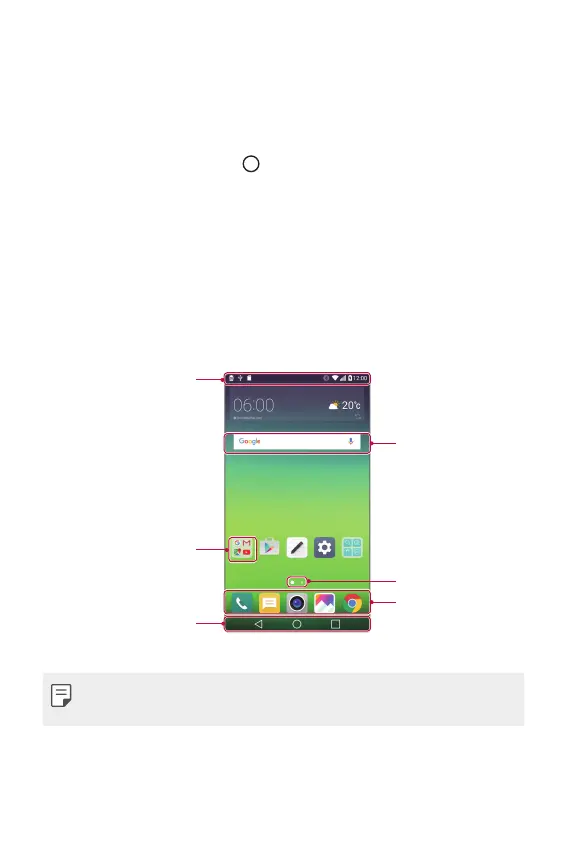
Home screen layout
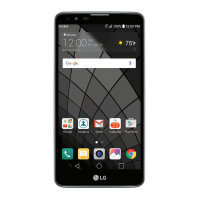
You can view all apps and organise widgets and folders on the Home
screen.
Status bar
Folder
Home touch buttons
Widget
Page icon
Dock area
• The Home screen may vary, depending on the service provider or
software version.



 To Next Page