Useful Apps 73
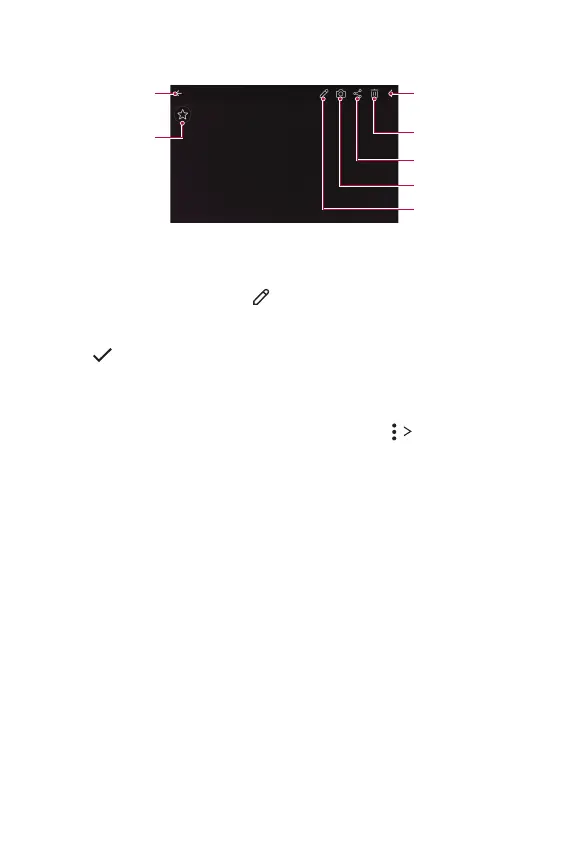
Viewing photos
Add or delete
favorites.
Back to the
previous screen.
Delete images.
Share images.
Start the camera.
Edit images.
Access additional
options.
Editing photos
1
While viewing a photo, tap .
2
Use a variety of effects and tools to edit the photo.
3
Tap to apply changes.
4
Tap SAVE to save changes.
• The changes are overwritten to the original file.
• To save the edited photo as another file, tap
Save copy.



 To Next Page