56
※ Remove the following parts in order before replacing this part
a. Battery Pack(1010) b. Keyboard(1020) c. WLAN Card(1030) d. MDC Card(1040)
e. Micro DIMM(1050) f. Keydeck(1060) g. DMB Module(1070)
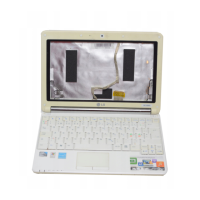
■ 1080 Display Module
1. Disconnect the LCD Cable.
2. Remove the LCD Module.
Ch5. Removing and replacing a part


 To Next Page
 Loading...