
 Need help?
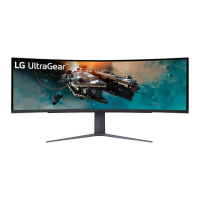
Do you have a question about the LG UltraGear 45GR95QE and is the answer not in the manual?
Instructions for safely moving and lifting the monitor to prevent damage.
Steps to connect the monitor to a personal computer.
Details on establishing an HDMI connection for video and audio.
Information on connecting the monitor via DisplayPort.
Optimizing display settings for different gaming scenarios.
Advanced adjustments for gaming features like Adaptive-Sync and Black Stabilizer.
How to fine-tune brightness, contrast, color, and gamma settings.
Methods to prevent image retention, such as screen move and saver.
Warnings about potential brightness reduction and image issues with extended use.
Solutions for issues where the screen remains blank or shows no signal.
Troubleshooting unstable or distorted image displays.
Explains common pixel variations that are not errors.
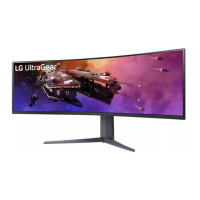
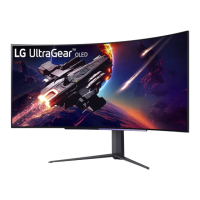
 General
| Screen Size | 45 inches |
|---|---|
| Panel Type | OLED |
| Refresh Rate | 240Hz |
| Response Time | 0.03ms (GtG) |
| Aspect Ratio | 21:9 |
| Brightness | 1000 nits (Peak) |
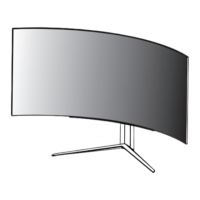
| Curvature | 800R |
| HDR | HDR10 |
| Contrast Ratio | 1, 500, 000:1 |
| VESA Mount | 100 x 100 mm |
| Resolution | 3440 x 1440 |
| Ports | 2x HDMI 2.1, 1x DisplayPort 1.4 |
| Adaptive Sync | AMD FreeSync Premium, NVIDIA G-Sync Compatible |
| Color Gamut | 98.5% DCI-P3 |
| Weight | 24.9 lbs |



 To Next Page
