Before Operation-VCR part
12
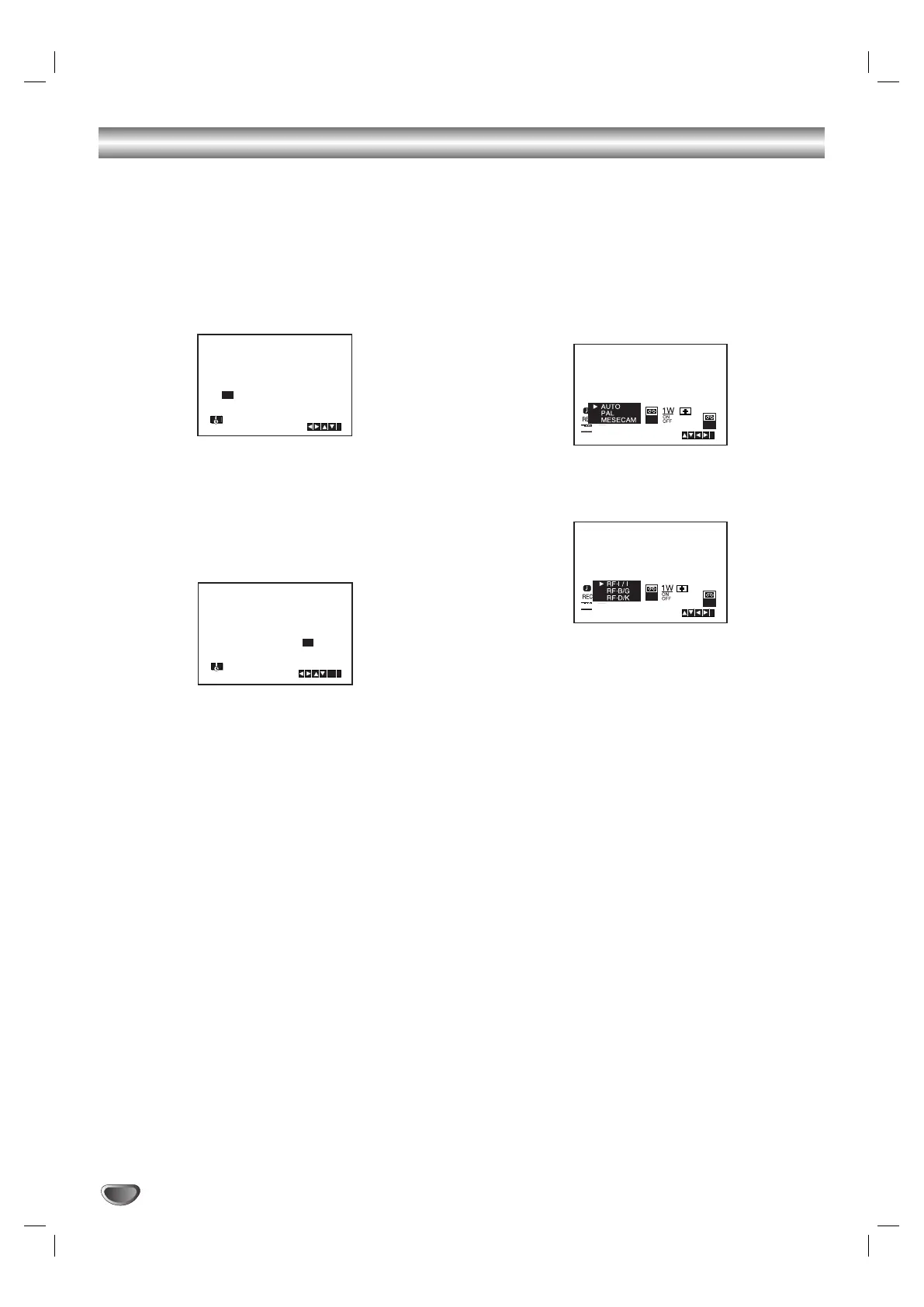
Setting the clock Manually
The clock in your DVD+VCR controls time and date
settings for your DVD+VCR.
1. Press i.
Press
bb
or
BB
to select SET.
Press ENTER/OK.
2. Use the
vv
or
VV
on the remote control to alter the
HOURS, MINUTES, DAY, MONTH and YEAR.
Please note your DVD+VCR uses a 24 hour clock.
e.g. 1pm will be displayed as 13:00.
The day of the week will appear automatically when
you enter the year.
3. If you make a mistake press
bb
or
BB
and enter the
correct details.
4. Press i to return to a TV picture.
To set the colour system
1. Press i.
2. The main menu will appear on the TV screen.
3. Press 1 or 2 to select the SYS and press
ENTER/OK.
4. Press 3 or 4 to select according to the COLOUR
system used.
5. Press 2 to select the RF AUDIO.
Press 3 or 4 to select according to the RF AUDIO
used.
(Australia : G RF-I/I, New Zealand: G RF-B/G)
6. Press i to remove the menus from the TV screen.
:..- -
:..00 1 01 07 MON 8


 To Next Page