EasyManua.ls Logo

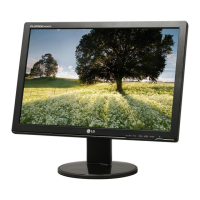
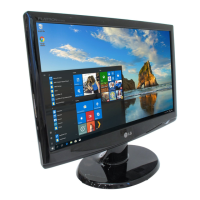
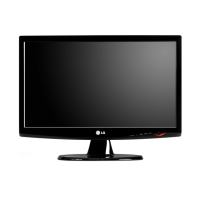
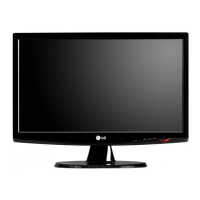
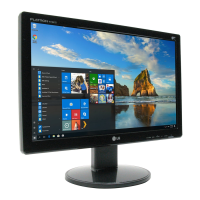
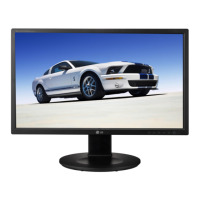
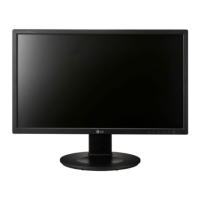
LG W1942S - User Manual

LG W1942S
25 pages
Print Icon
To Next Page IconTo Next Page
Loading...
Make sure to read the Important Precautions before using the product.
Keep the User's Guide(CD) in an accessible place for future reference.
See the label attached on the product and give the information to your
dealer when you ask for service.
W1942S
W2042S
W2242S
Users Guide

Questions and Answers

  • T
    Tina McdowellJul 30, 2025
    What to do if no image appears on my LG W1942S Monitor?
    • S
      Stacey AndersonJul 30, 2025
      If your LG Monitor screen is blank, first, ensure the power cord is securely connected to the outlet. Next, adjust the brightness and contrast settings. If the monitor is in power-saving mode, try moving the mouse or pressing a key. Also, make sure your PC is turned on. If you see a message about the signal being out of range, refer to the 'Specifications' section of the manual to reconfigure your display. Finally, check the signal cable between your PC and the monitor to ensure it's properly connected.
  • C
    Carolyn ClarkAug 12, 2025
    How to unlock OSD on LG W1942S Monitor?
    • P
      powerschristineAug 12, 2025
      If you see an "OSD LOCKED" message on your LG Monitor, you can unlock the OSD controls by pressing and holding the MENU button for a few seconds until the message “OSD UNLOCKED” appears.

Summary

Important Precautions

On Safety

Basic rules for installation, use, and servicing to ensure personal safety and prevent hazards.

On Installation

Guidelines for safe installation, avoiding damage, and preventing fire hazards from heat buildup.

Connecting the Display

Connecting the Stand

Step-by-step instructions for assembling the monitor stand correctly.

Using the Computer

Steps to connect the monitor to a computer and turn on the power.

Control Panel Functions

Front Panel Overview

Identification of the physical buttons located on the front panel of the monitor.

On Screen Display (OSD) Control Adjustment

Screen Adjustment Guide

Instructions on how to make image size, position, and parameter adjustments using the OSD.

Troubleshooting

No Image Appears

Solutions for issues where the display shows no image.

Incorrect Display Image

Addressing issues with display position, bars, noise, and resolution.

LG W1942S Specifications

General IconGeneral
Display diagonal19 \
Display resolution1440 x 900 pixels
Contrast ratio (typical)8000:1
Digital vertical frequency56000 - 75000 Hz
Digital horizontal frequency30 - 83 kHz
Display brightness (typical)300 cd/m²
SafetyTCO03, TCO99, UL(cUL), TUV-GS, SEMKO
Product colorBlack
Market positioning-
Plug and PlayYes
Panel mounting interface75 x 75 mm
Power consumption (standby)1 W
Power consumption (typical)36 W
Weight and Dimensions IconWeight and Dimensions
Depth (without stand)198.4 mm
Width (without stand)448.4 mm
Height (without stand)383.3 mm
Weight (without stand)4100 g

Related product manuals