56
Operation
Operation
4
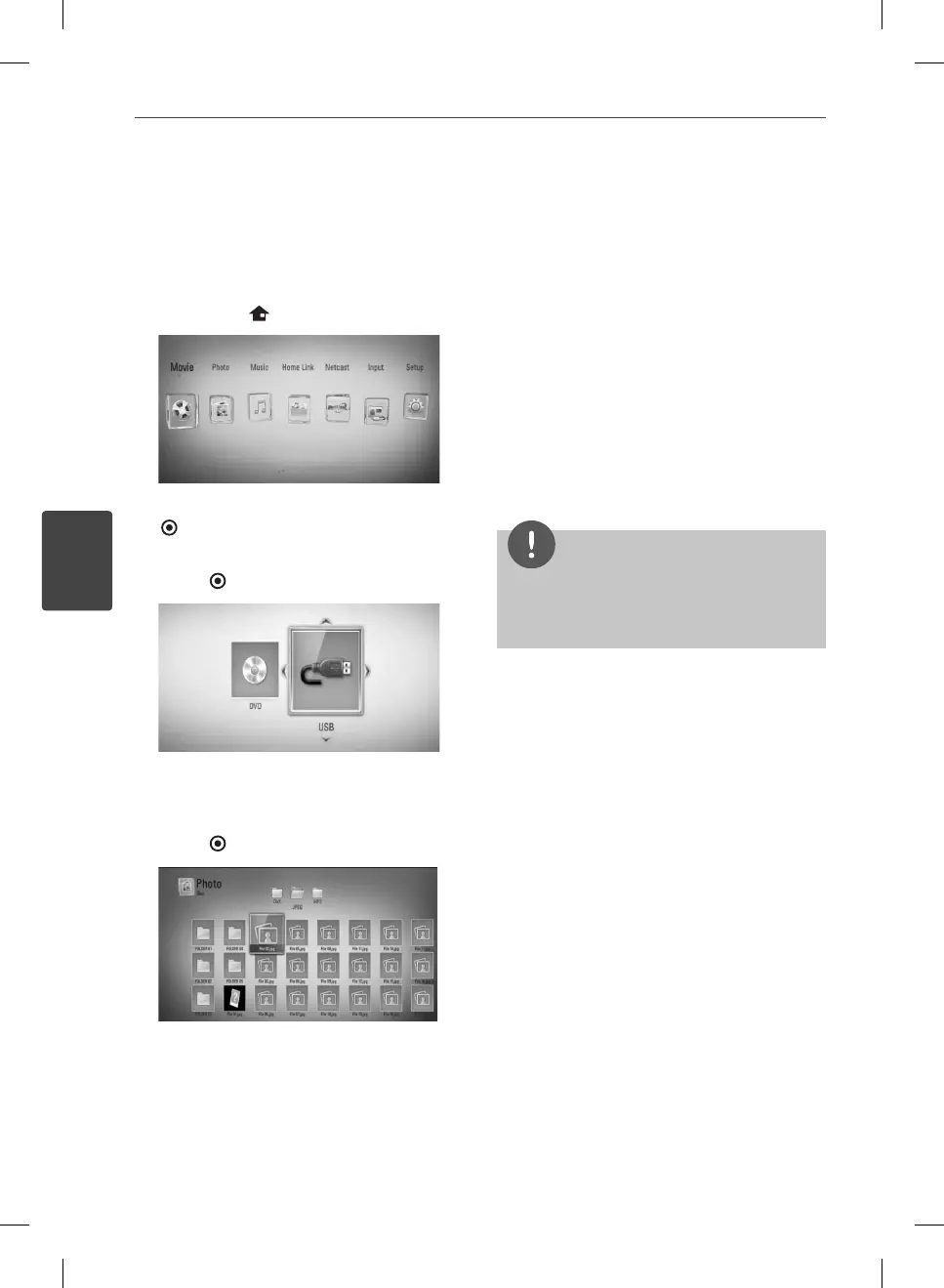
Viewing a photo
You can view photo les using this player.
1. Press HOME (
).
2. Select [Photo] using
I
/
i
, and press ENTER
( ).
3. Select the device using
I
/
i
, and press
ENTER (
).
When you connect up to two devices, it
appears as above.
4. Select a le using
U
/
u
/
I
/
i
, and press
ENTER (
) to view the photo.
To play a slide show
Press
B
(PLAY) to start slide show.
To stop a slide show
Press
x
(STOP) while slide show.
To pause a slide show
Press
X
(PAUSE) while slide show.
Press
B
(PLAY) to re-start the slide show.
To skip to the next/previous photo
While viewing a photo in full screen, press
I
or
i
to go to the previous or next photo.
NOTE
The le requirements are described on page 11.
You can use various playback functions. Refer to
pages 44-52.
•
•
HB965TXW-AD.BZAFLLK_ENG_0447.ind56 56HB965TXW-AD.BZAFLLK_ENG_0447.ind56 56 2010.3.9 6:15:15 PM2010.3.9 6:15:15 PM



 To Next Page