78
Operation
Operation
4
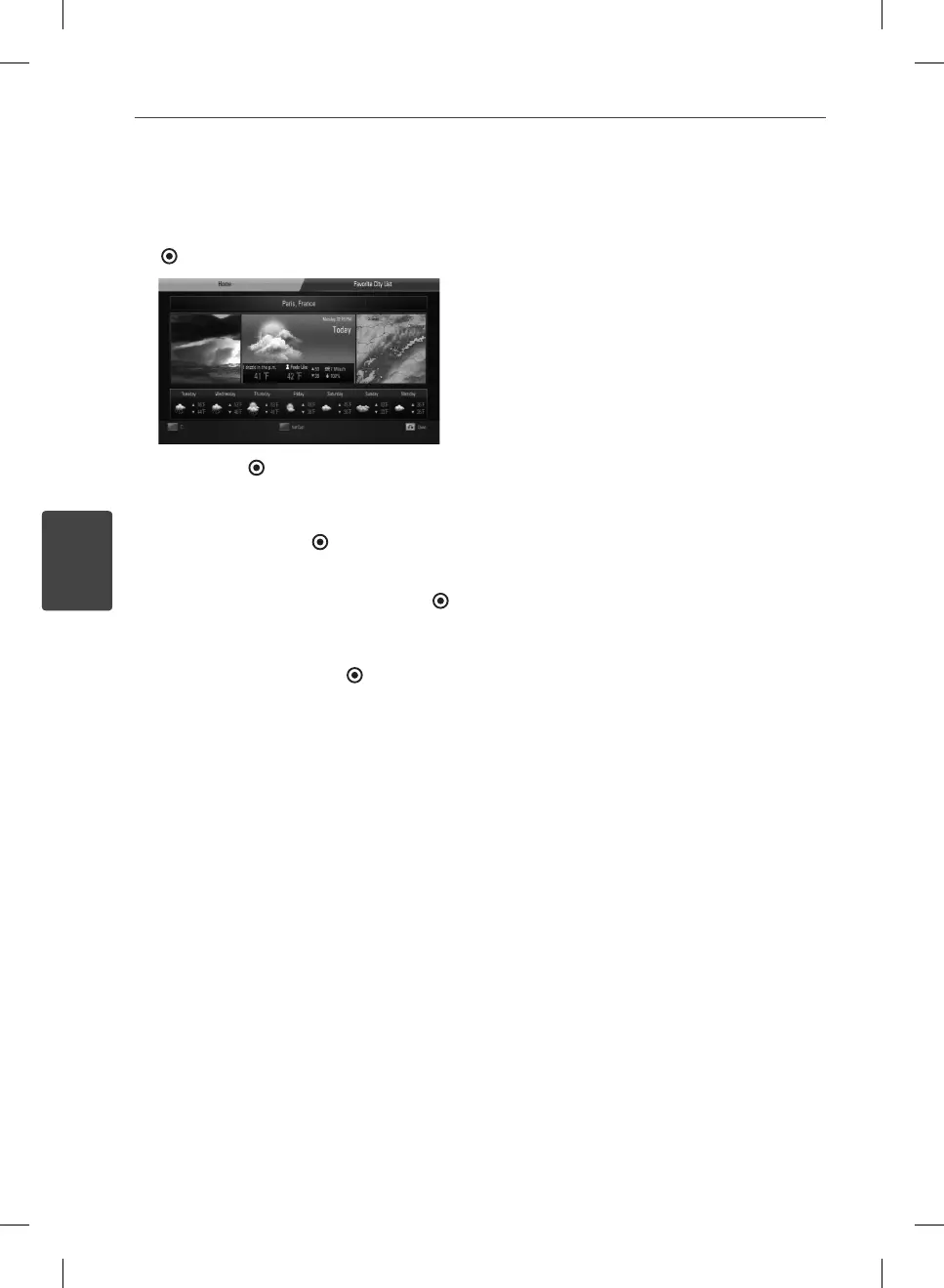
Adding more cities
1. Use
I
/
i
to select [Favorite City List] on the
AccuWeather menu, and press ENTER
(
).
2. Press ENTER ( ) while [Add City to Favorite
City List] is selected.
3. Select a region, country and city using
U
/
u
/
I
/
i
and ENTER ( ).
4. Repeats step 2-3 to add up to 5 cities.
Select the [X] symbol and press ENTER (
)
to delete the stored favorite city.
5. Use
U
/
u
to select a city from the [Favorite
City List], and press ENTER (
) to display
the weather information.
HB965TXW-AD.BZAFLLK_ENG_0447.ind78 78HB965TXW-AD.BZAFLLK_ENG_0447.ind78 78 2010.3.9 6:15:28 PM2010.3.9 6:15:28 PM


 To Next Page
 Loading...