19
Multi mode
Wireless Party Link Multi mode lets you enjoy more powerful sound with multiple speakers.
Please check the following rst.
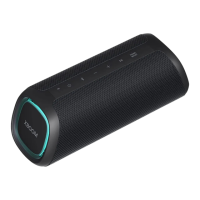
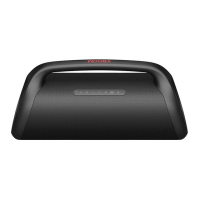
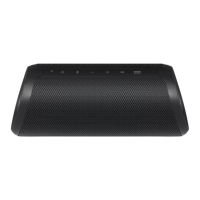
• You can connect multiple LG Bluetooth speakers. (XG9Q/XG7Q/XG5Q and XO3Q)
a Connectthespeakerandasmartphonerst.([ See “Connecting Smartphone to the Speaker via Bluetooth”
on page 10.)
b Tap the Wireless Party Link in the LG XBOOM app.
c Tap the Multi mode and toggle the function on.
d Search for nearby speakers and select the speakers you want to connect to.
e You can see the Multi mode LED on the speakers.
• Main speaker: Bluetooth LED turns on and the speaker outputs sound.
• Other speakers: Bluetooth LED turns off and speakers output sound in sync with the main speaker.
(Main speaker)
(Other speaker)


 To Next Page
 Loading...