Step 4
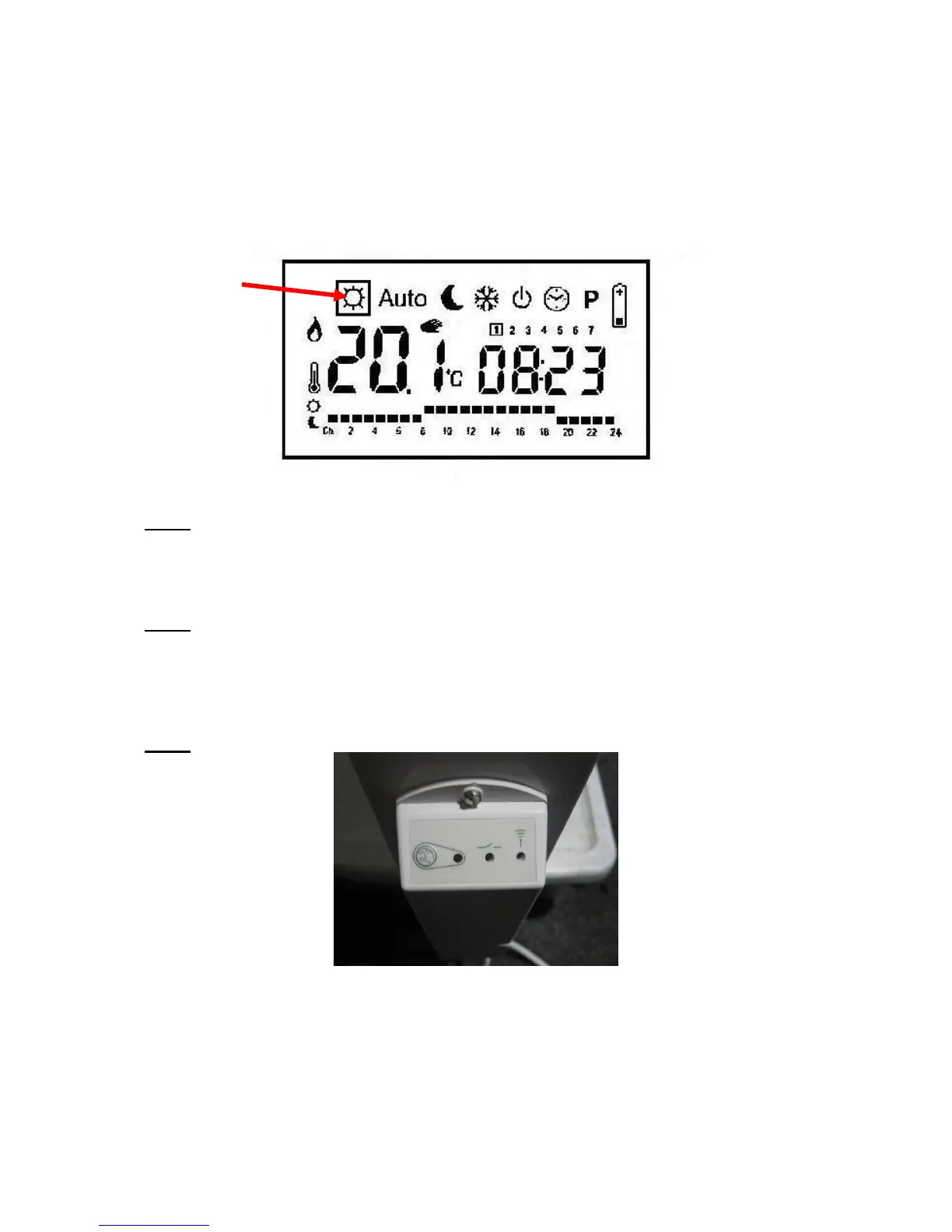
Turn ON the thermostat TEI6 and put into the “Sun” position using the left and right arrows,
indicated in the LCD tool bar at the top of the display.
Step 5
Push the “OK” button for 5 seconds until “nrf in it” is displayed and a quick moving LCD
light flashes across the bottom of the display. This indicates that the thermostat is attempting
to link itself to the receiver. Push the “OK” button again.
Step 6
The green light will go off on the receiver, indicating that the pair is now linked.



 To Next Page