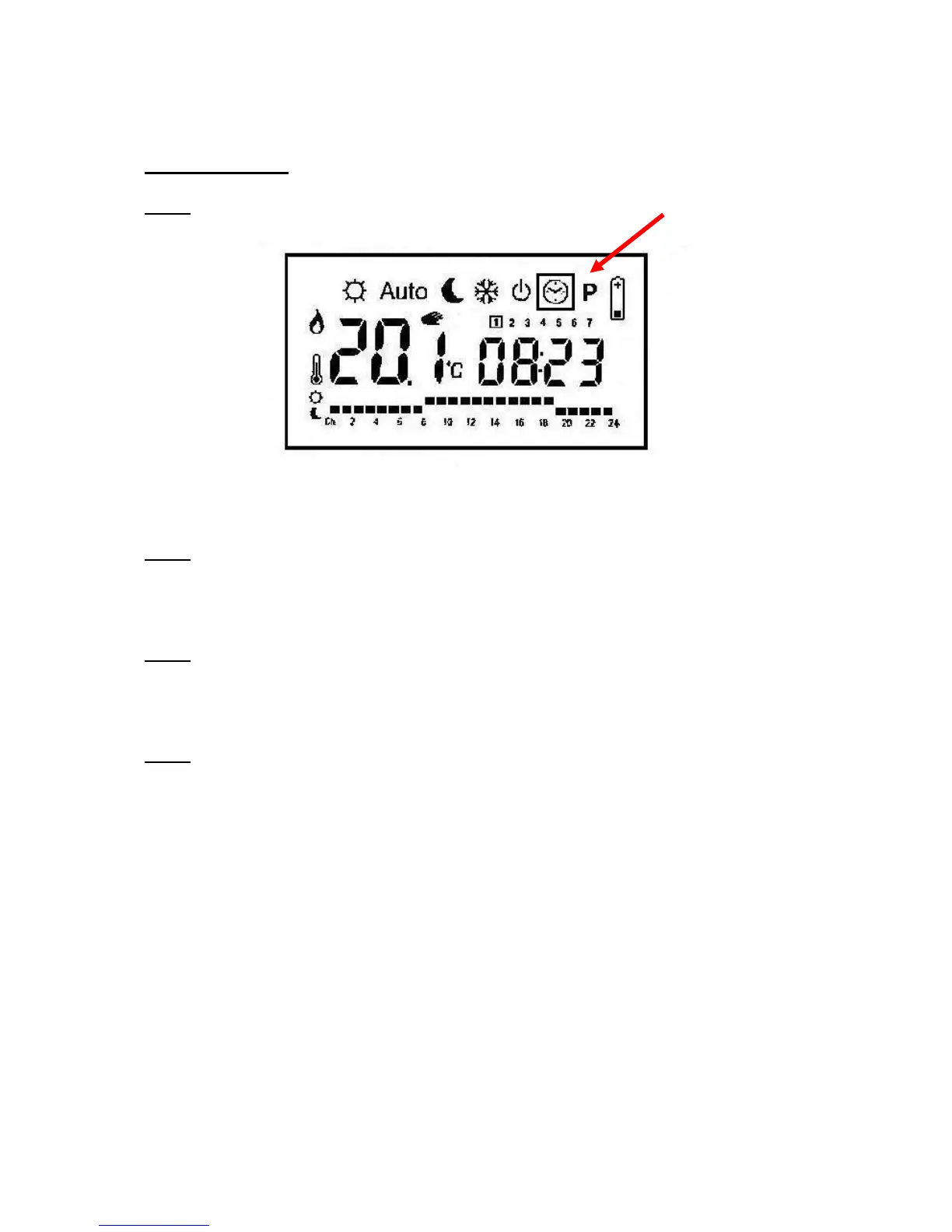
Setting the Time
Step 1
Move the controller into the “Clock/Time” setting, second from the right, using the left and
right arrows.
Step 2
Press “OK” once and the minutes will start flashing, adjust the minutes using the + and -
buttons.
Step 3
Press “OK” again and the hour will start flashing, again adjust the hour using the + and -
buttons. Beware that it is a 24 hour clock.
Step 4
Press “OK” again and set the correct day of the week using the + and - or the arrow keys. The
days are numbered 1 (Monday) through to 7 (Sunday). This important because it is a seven
day timer, so the controller knows when it is the weekend.



 To Next Page