Setting the Temperatures
Step 1
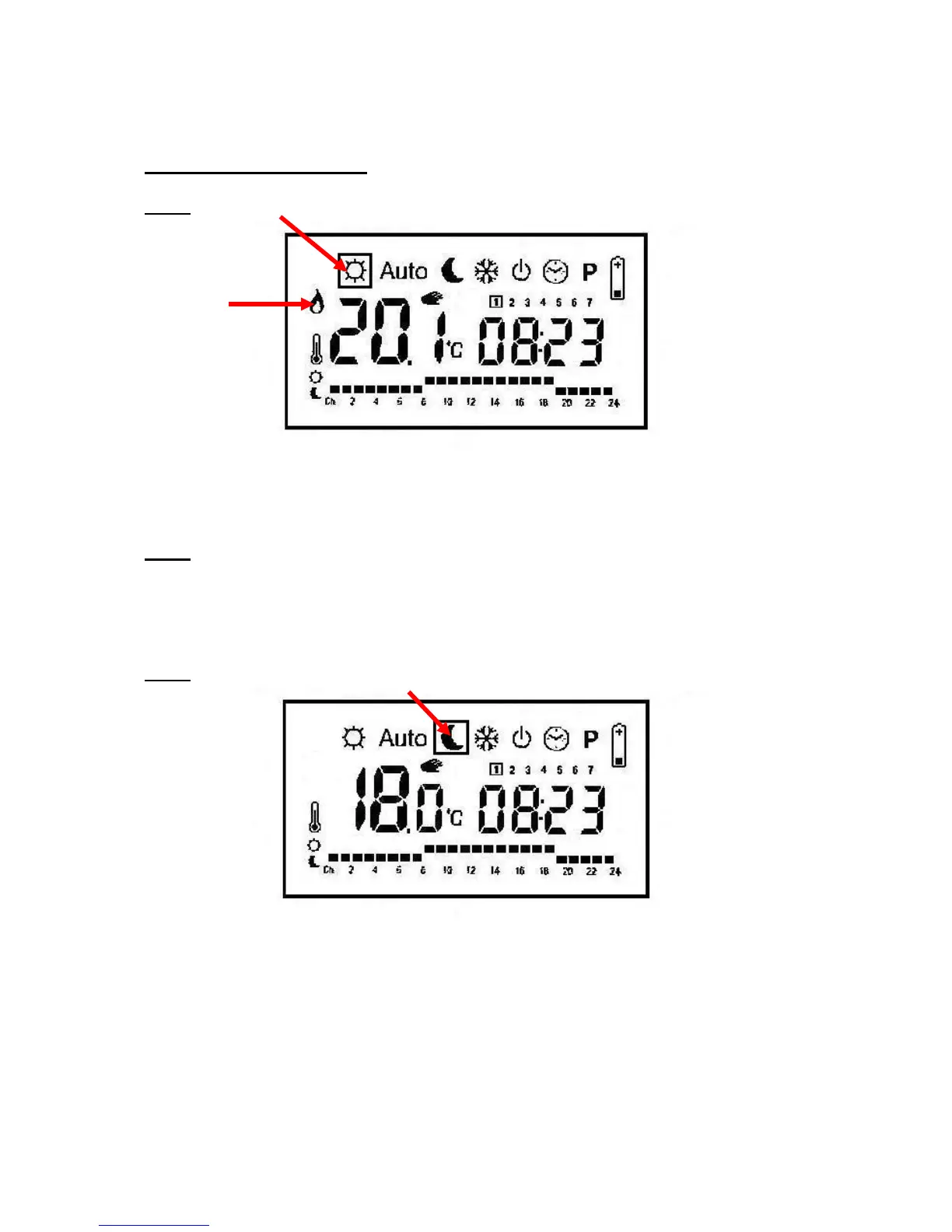
Put the controller into the “Sun” setting, use the plus and minus keys to choose the desired
temperature. If the desired temperature is greater than the current room temperature, a flame
will appear on the left hand side.
Step 2
Press OK to alternate between room temperature and the desired temperature.
Step 3
Move the controller into the “Moon” setting and reduce the temperature. The controller will
not let the room temperature drop below this temperature when the radiator is off.



 To Next Page