-14-
5.1. MySignals Standalone Screen
The sensor measures are distributed in dierent screens that change by pressing in the Screen.
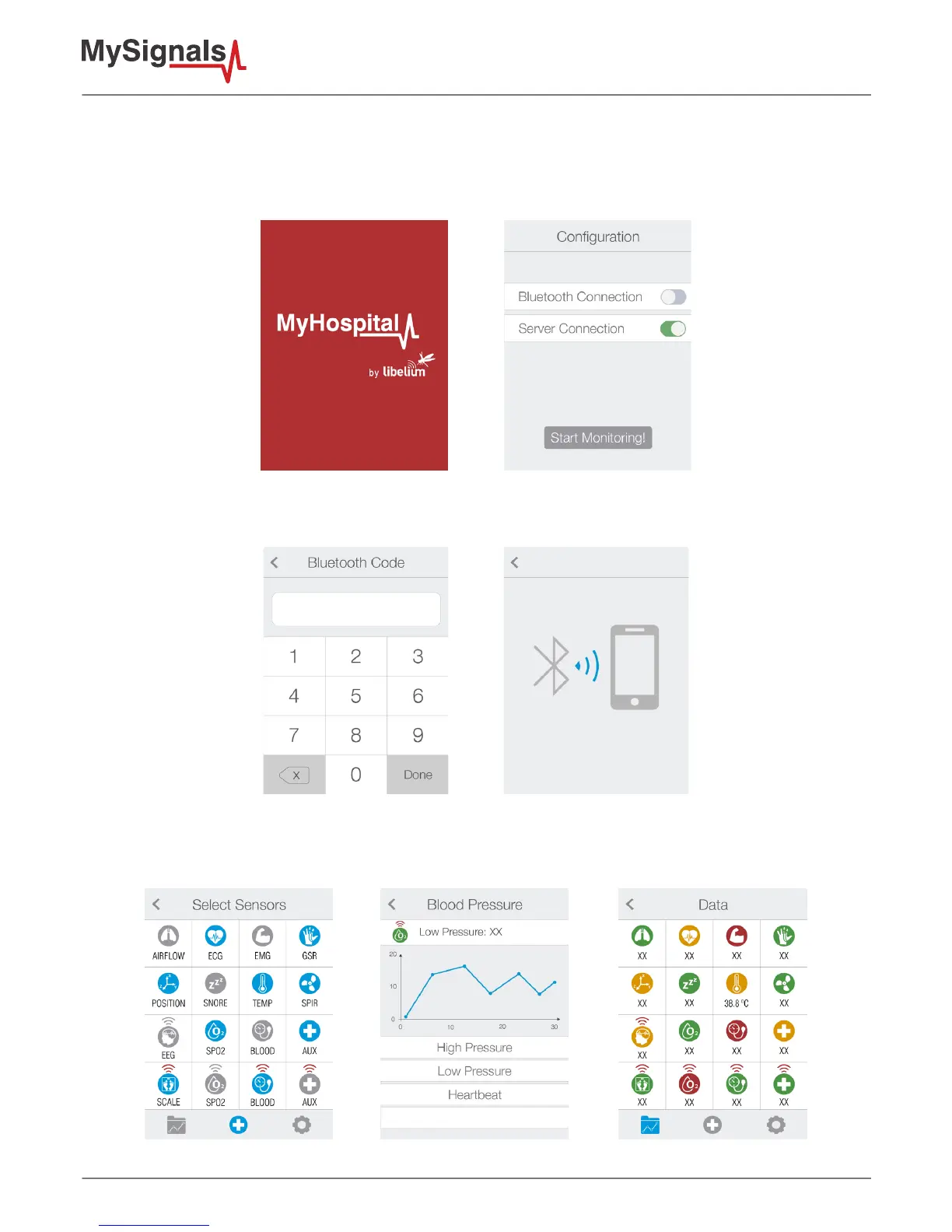
In the rst screen you can congure the operating mode: BLE, WIFI or standalone.
Figure : MySignals conguration screen
In bluetooth mode you can congure the connection and then MySignals APP will start to receive data from MySignals.
Figure : Bluetooth mode conguration screen
In standalone or WiFi mode you can select the sensor that you want to monitor and MySignals will start to monitor all the
parameters.
Figure : MySignals Data monitoring screens



 To Next Page