-6-
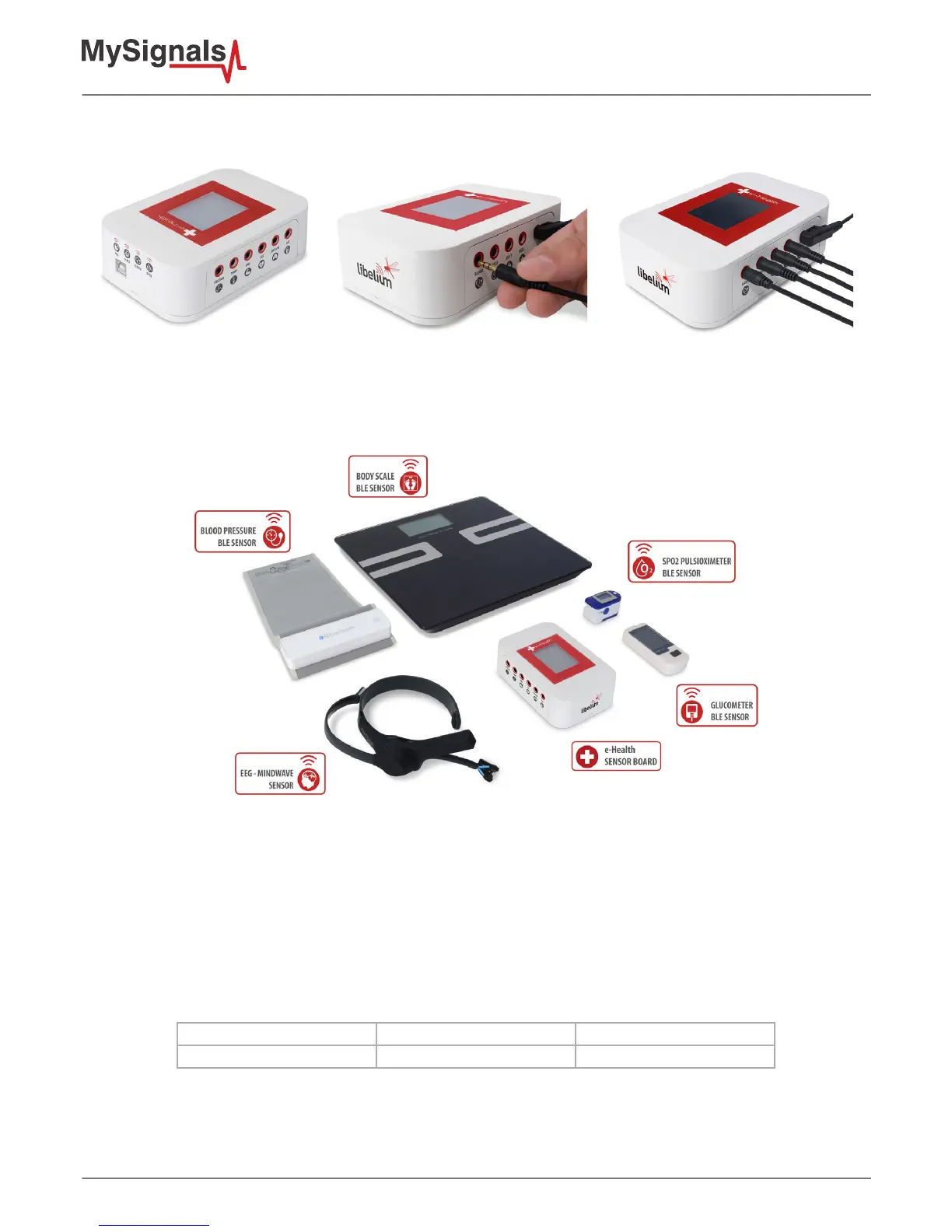
Connect the correct sensor in each specic connector as you can see in the following images:
Figure : Connecting one sensor
This information is used to monitor in real time the state of a user or to get sensitive data in order to be subsequently analysed
for biometric analysis. Biometric information gathered can be wirelessly sent using two connectivity options available: Wi-Fi or
Bluetooth Low Energy 4.0.
Figure : MySignals BLE sensors
Data can be sent to the Cloud in order to perform permanent storage or visualized and storaged in real time by sending the
data directly to a Smartphone. iPhone and Android applications have been designed in order to easily manage and storage the
user’s information.
Snore Sensor
Description: This sensor attaches to the neck and records vibration associated with a piezo sensor.
Measurement:
Parameter Unit Range
Respiratory rate BPM (breaths per minute) 0-60 bpm



 To Next Page