10
TV SETUP
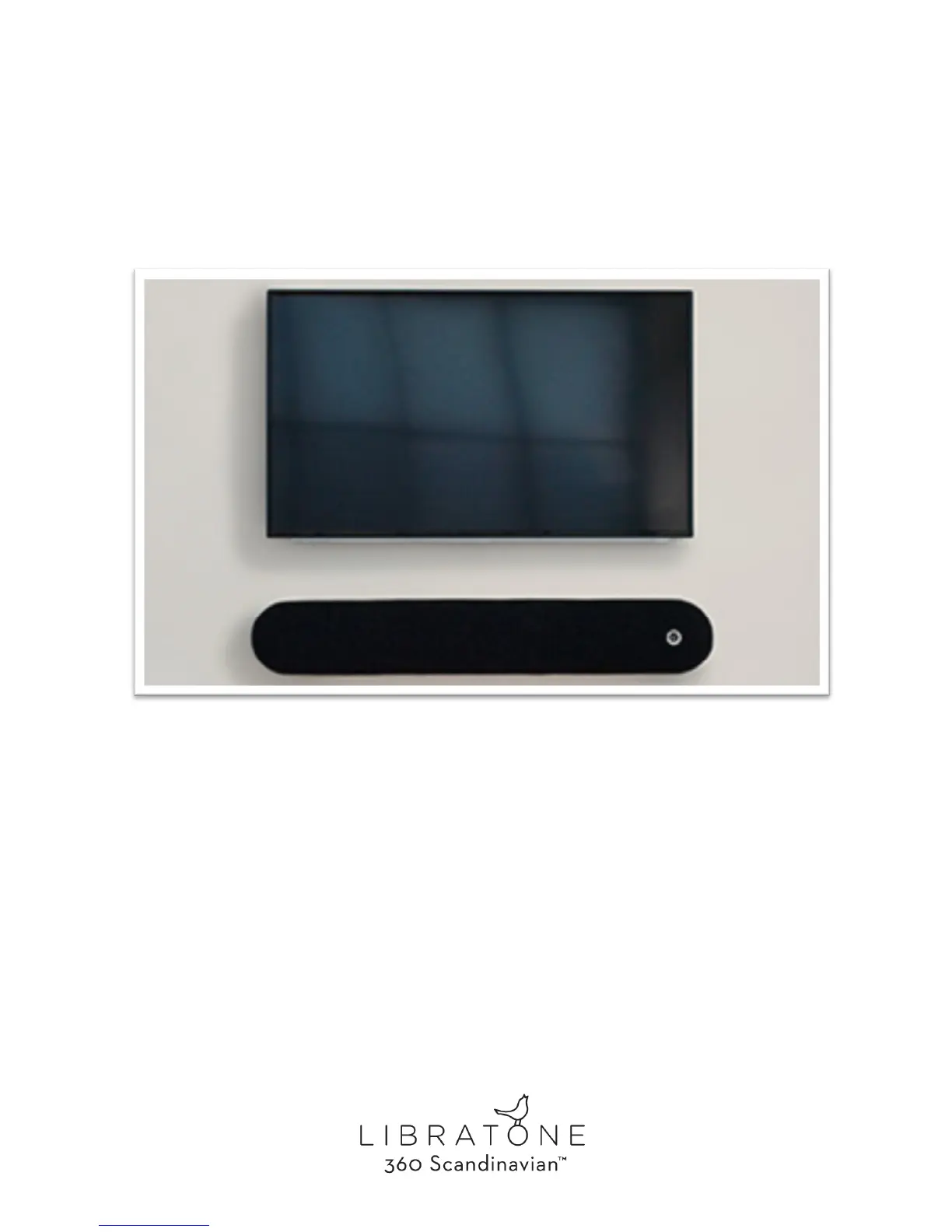
Connecting your new Libratone Diva with your TV is easy. For digital sound simply connect to your
TV with an optical cable. This is a great way of upgrading the mediocre sound of your TV
If volume on your TV optical out is not controlled by your normal TV remote - you can use IR
Learning in Libratone App to teach your IR TV remote to control speaker volume.
If you prefer analog setup - a regular mini jack does the trick. This is a popular solution since this
most often enables you to use your normal TV remote control to adjust TV volume.
If you start streaming AirPlay to your Diva from a mobile device or computer - the sound source will
automatically switch from your TV to AirPlay streaming. AirPlay is prioritized. So make sure nothing
is streaming, when you want to use AUX.



 To Next Page