14
COVER CHANGE
Diva comes in Libratone's signature Pepper Black. Extra covers are sold separately in a range of
colors to suit all tastes and complement any kind of interior. Visit Libratone webshop to buy a
different color version.
When changing the speaker cover "gentle is the name of the game".
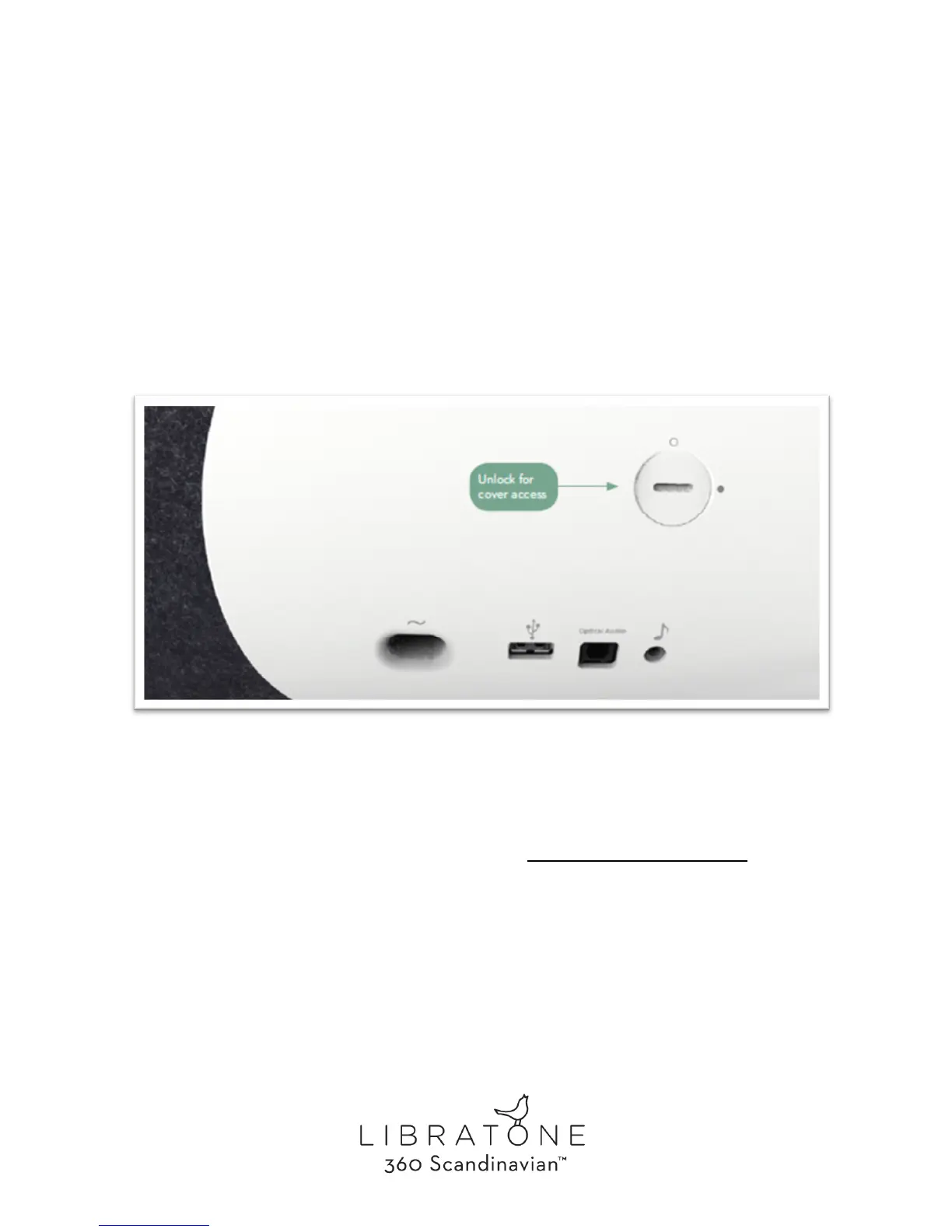
Remove power cable, stand and the 2 screws on the backside of the speaker. Once the backplate
is removed - unzip the wool cover.
To dress the speaker again, follow the above steps backwards.
Please find the cover change video at our support page: www.libratone.com/DivaCover



 To Next Page