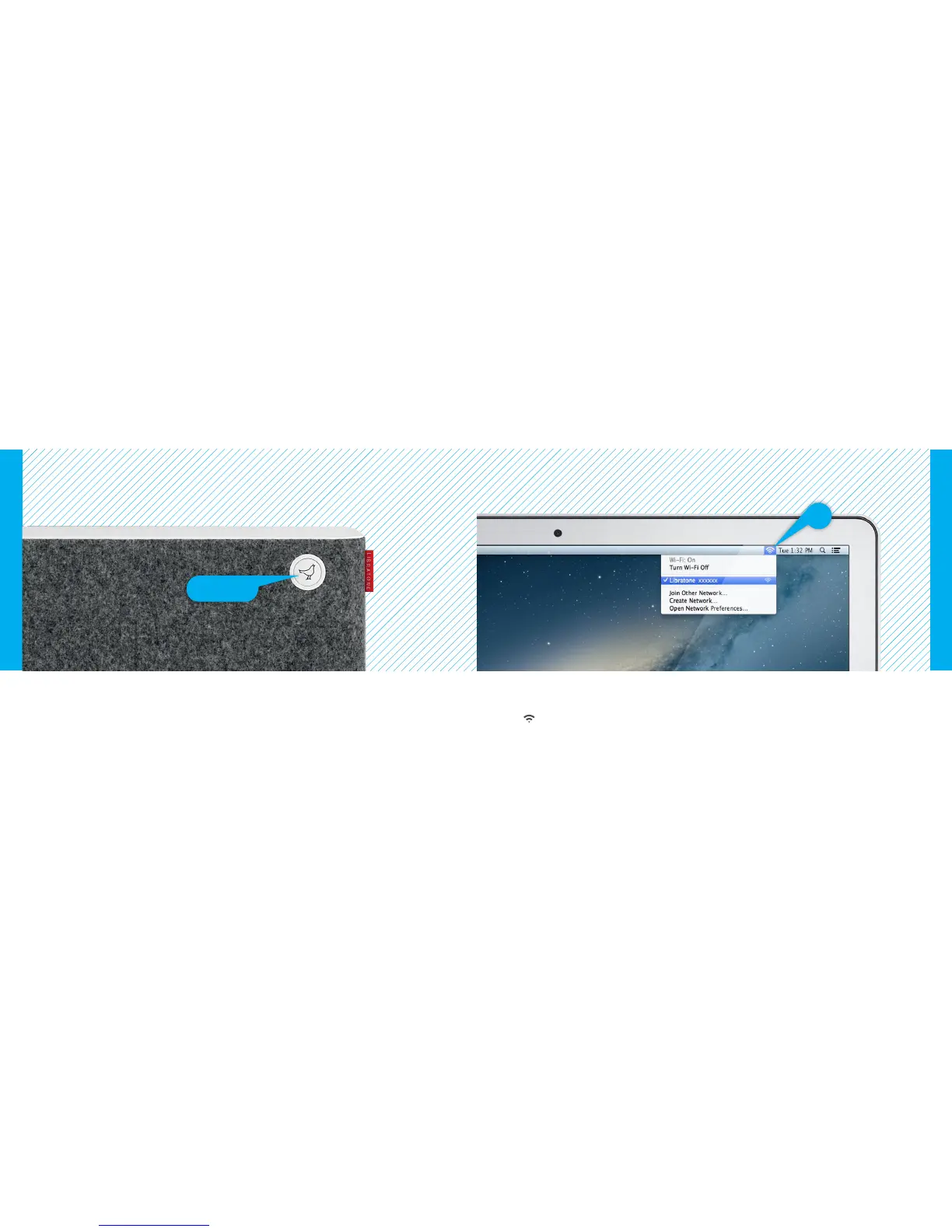
FIND YOUR LIBRATONE SPEAKER NETWORK
• Turn on your speaker and wait 30 sec. while the “Logo Button” is pulsing YELLOW.
• When the “Logo Button” emits the WHITE setup sequence, it’s ready for setup.
If the “Logo Button” is breathing WHITE or pulsing RED press the button twice to enter setup mode.
Make sure your home Wi-Fi is up and running and within range of both your speaker and Mac.
• Open “Wi-Fi” connections on your Mac.
• Choose the “Libratone” network.
Mac - Wi-Fi
Mac - Wi-Fi
PUT YOUR SPEAKER IN SETUP MODE
Logo Button
20 21



 To Next Page