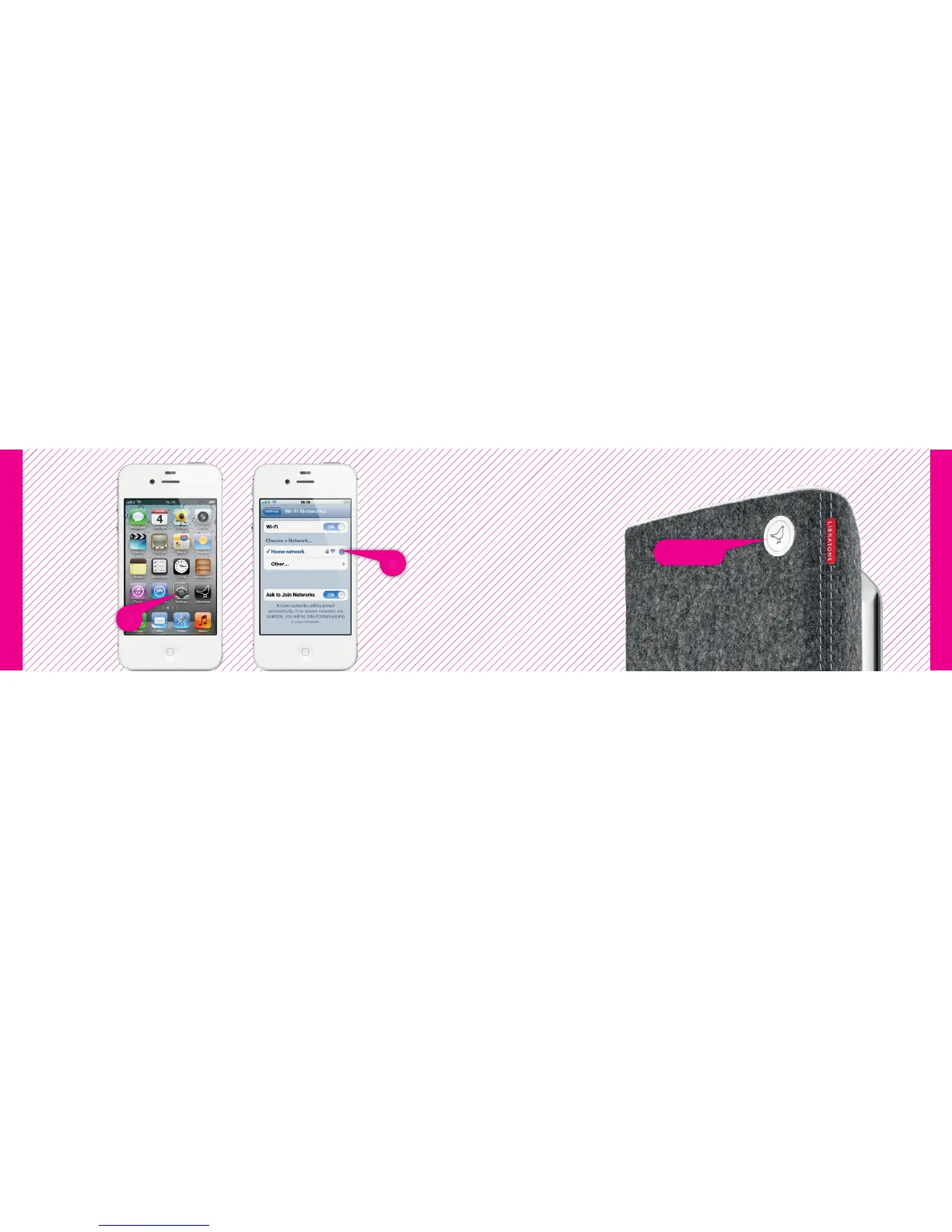
Logo Button
2
1
iPhone, iPad or iPod touch - Wi-Fi
iPhone, iPad or iPod touch - Wi-Fi
RE-CONNECT TO YOUR HOME NETWORK
• Open “Settings” and press “Wi-Fi” connections on your iPhone.
• Choose your Home Wi-Fi network.
Your iPhone may do this automatically.
YOUR SPEAKER IS READY!
If the “Logo Button” is breathing WHITE you’re alright! And you’re ready for AirPlay.
If it emits the WHITE setup sequence or pulsing RED, go to page 11 and start over
or visit: www.libratone.com/help for support.
14 15



 To Next Page