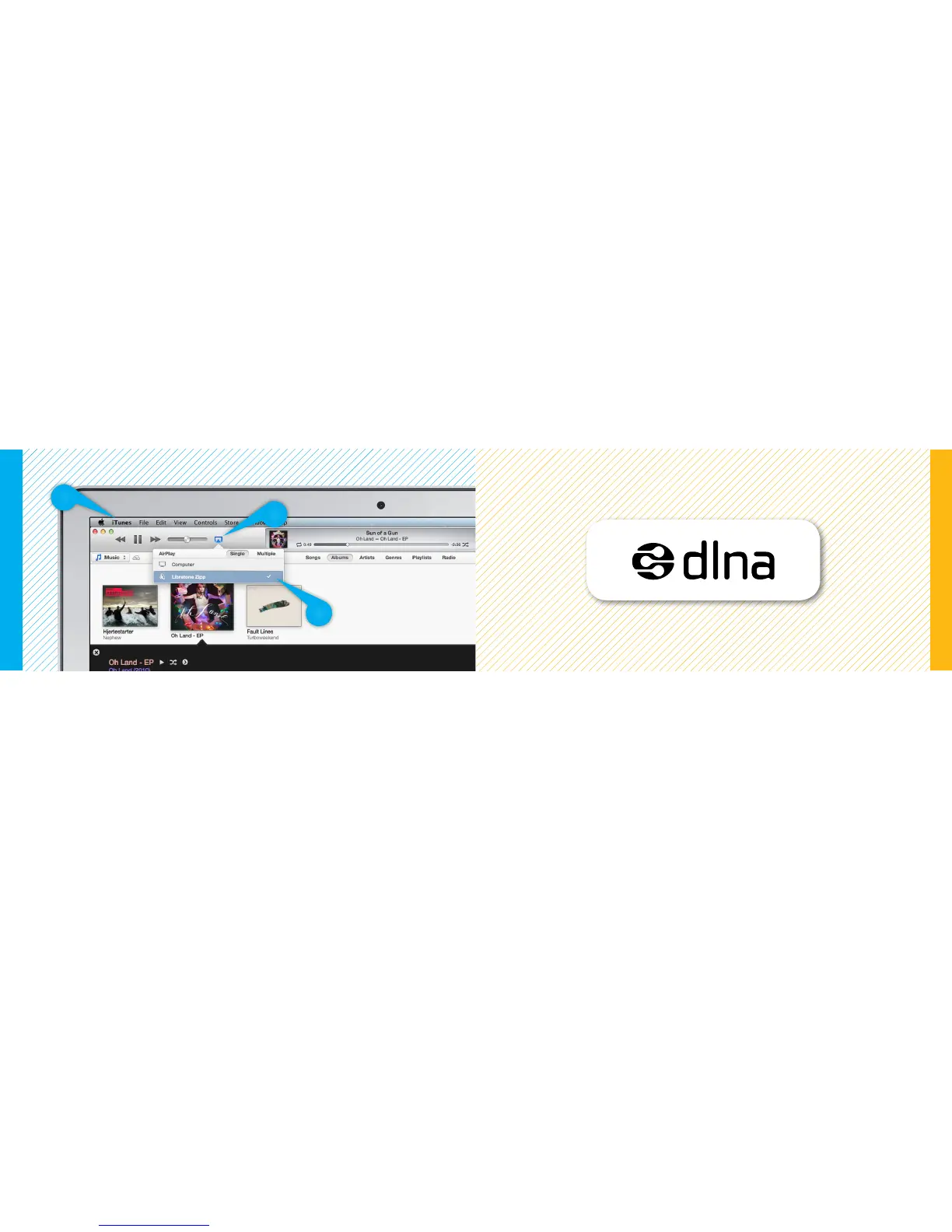
SET YOUR MUSIC FREE
• Open “iTunes” on your Mac/PC.
• Click “AirPlay” icon and choose your speaker.
• Select “Play” and set your music free.
DLNA
Built-in DLNA technology allows you to stream music to your Libratone speaker from most devices
using Android, Windows 7 or Windows 8.
For more info go to www.libratone.com/dlna
Mac - Wi-Fi
Android or Windows - DLNA
2
3
1
26 27



 To Next Page