Enjoy
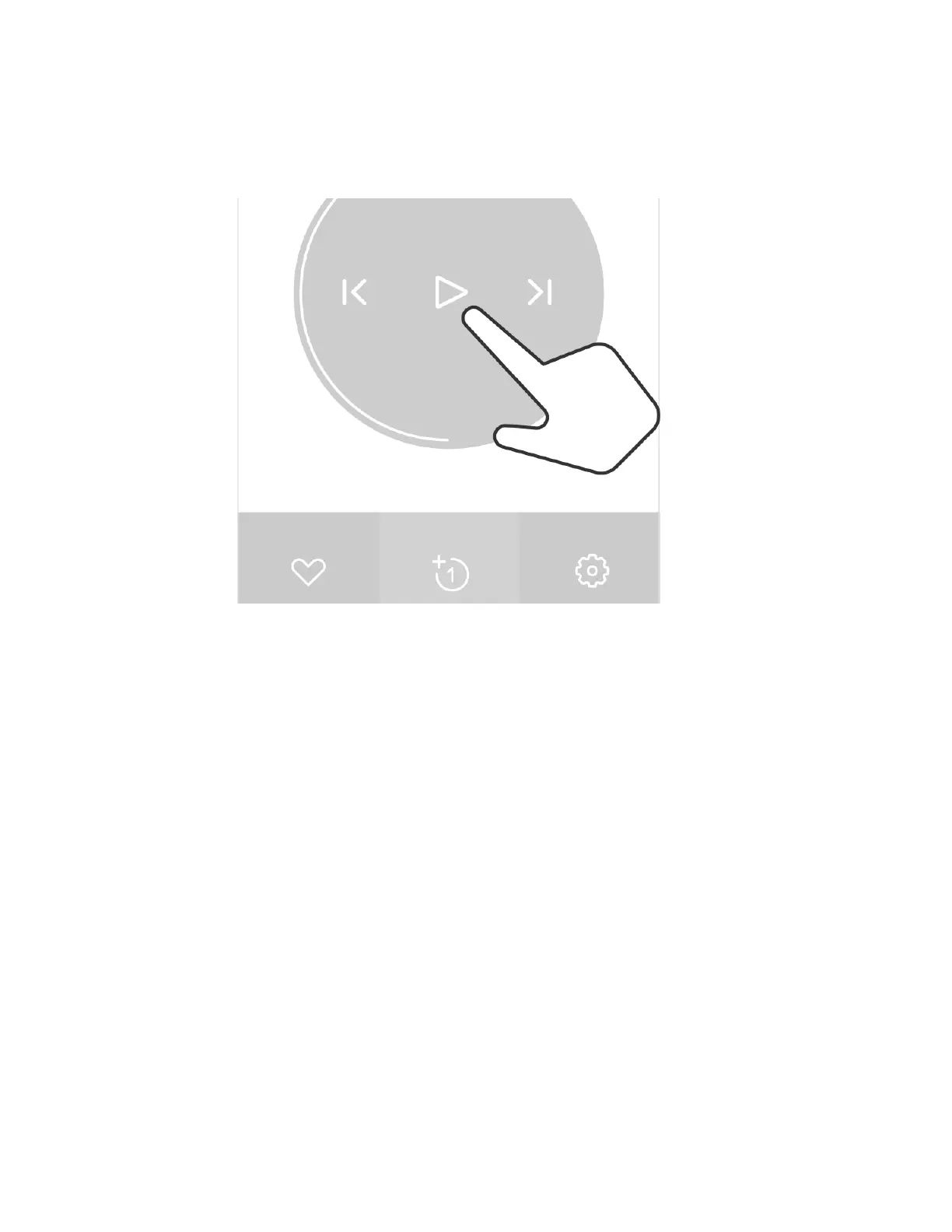
You can play music synchronously on two connected earphones
FAQ
Playback is interrupted?
Normally, the working distance is 10m at a non-sheltered area. If the distance to the playing
device is more than 10m the music playback will be interrupted
The earphone cannot connect to the phone paired before
If you can't connect, please delete the earphone from the Bluetooth device list in the phone, press
the Function button for 2 seconds to enter Bluetooth pairing mode and then pair with the phone
again
I have two phones, and want to connect both to Track+
If the earphone have been previously paired with the two phones, just select the earphone from
the Bluetooth device list in the phone to connect
The earphone will automatically power off if no operation/playback is detected
By default, the earphone will automatically power off if no operation/playback is detected within
30 minutes to save power. This value can be changed via App


 To Next Page