Clicking on the Battery, Output, Input, Bypass (not supported in Power-
Sure Interactive UPSs), or Internals folder replaces the summary data
presented on the graphical power flow pane with a tabular view of the
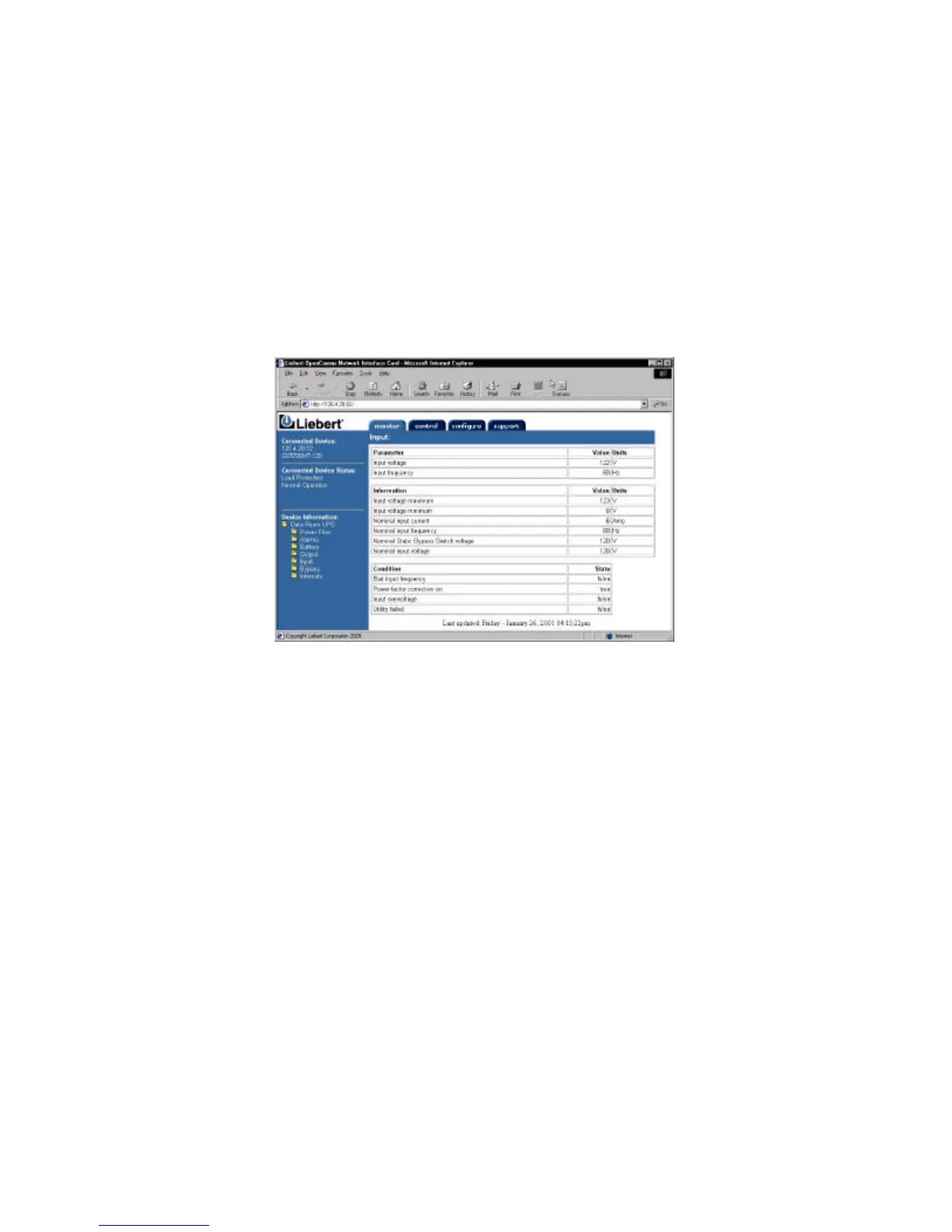
complete list of data points reported by the UPS. Clicking on the Input
folder presents a screen similar to:
In the tabular view data, like Input voltage, that changes over time is
grouped as a Parameter. Values, which are known to the UPS, like Nom-
inal input frequency, are reported in Information. Finally, condition
parameters, like Utility failed, are together in a table labeled, Condition.
The list of data in each of these sections and folders varies across UPS
product lines and sizes and will change depending on the UPS in which
you have installed the card.



 To Next Page