Control Tab
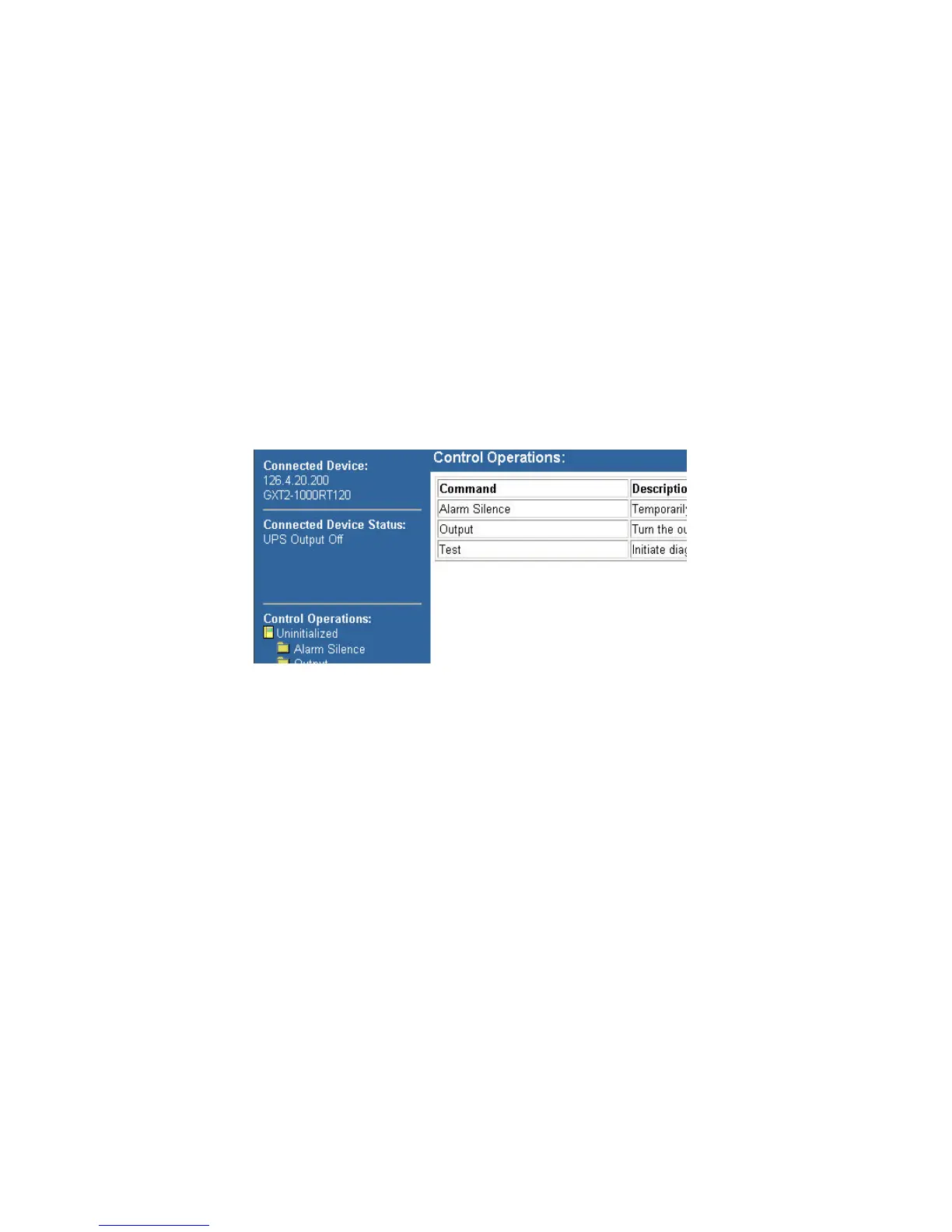
When you select the control tab, you are presented with Connected
Device: and Connected Device Status: on the top of the left pane. The
Folder list is at the bottom of the pane under Control Operations:.
As detailed in the Web Security section, a Username and Password pro-
tect the folders in the control tab.
From the control tab you can silense alarms remotely, turn the UPS' out-
put ON or OFF or Reboot the UPS.
Each folder represents a different control behavior and this list will vary
across UPS product lines and sizes.



 To Next Page