Opening a Service Terminal Connection
This section covers the Service Terminal in detail. From the Service Ter-
minal, you can configure all settings of the card.
NOTE: You can also configure many of the setting discussed in this sec-
tion from the Web. To specify that the card communicate at either 10Mbit
or 100Mbit instead of it trying to auto-negotiate, you must use the Service
Terminal
You access the Service Terminal by opening a direct serial connection to
the OpenComms Web Card.
1.Locate the blue serial configuration cable that shipped with the card.
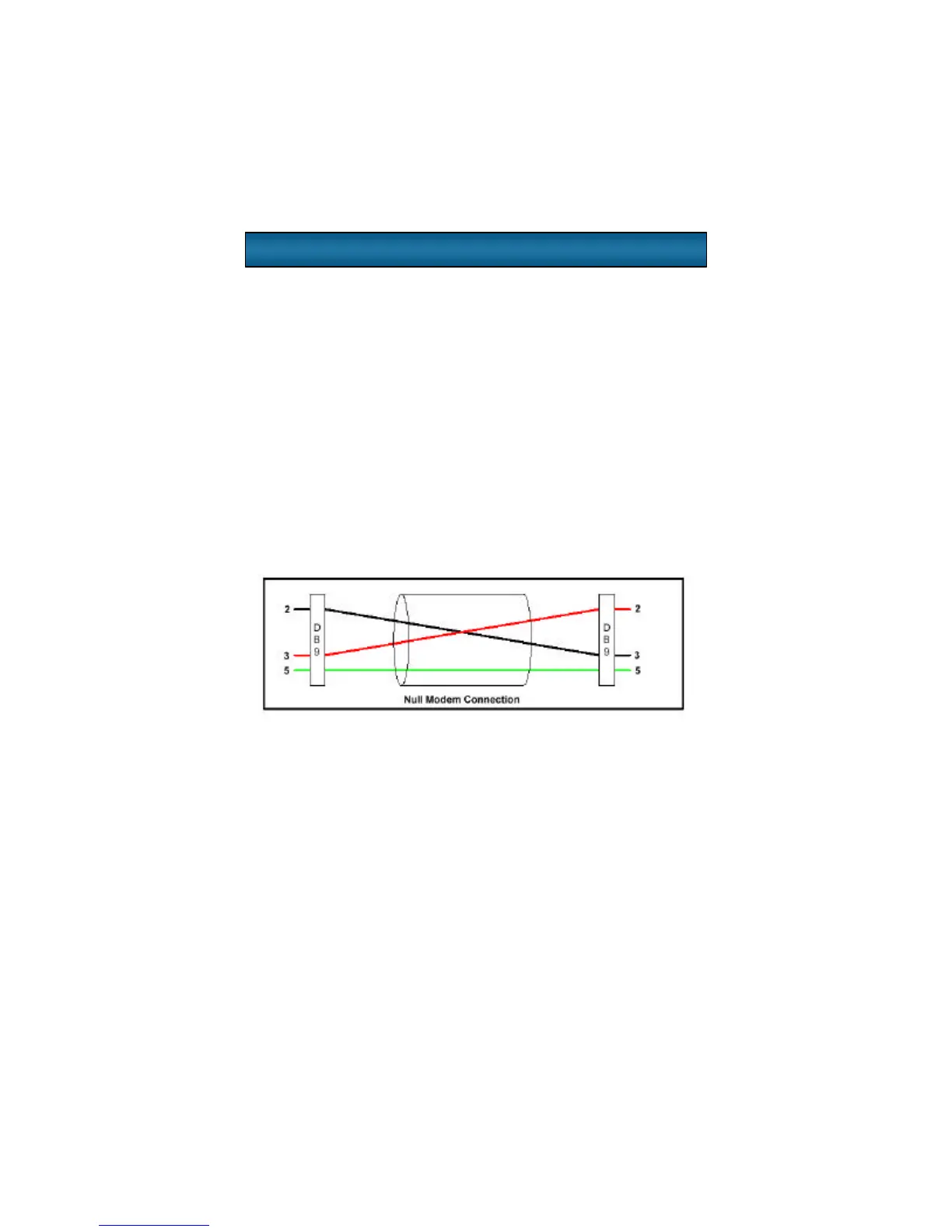
NOTE: If you have misplaced the cable provided, you can use a standard
null modem cable with a DB-9F connector at both ends.
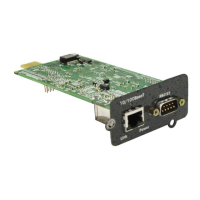
2.Connect one end of the blue serial configuration cable to the DB-9M
serial port on the OpenComms Web Card.
3.Connect the other end of the blue serial configuration cable to a termi-
nal or a PC running terminal emulator software, like HyperTerminal ™ or
ProComm ™.
4.Use the following communication settings:
BAUD RATE:9600
DATA BITS:8
PARITY:NONE
STOP BITS:1
FLOW CONTROL:NONE
Service Terminal



 To Next Page