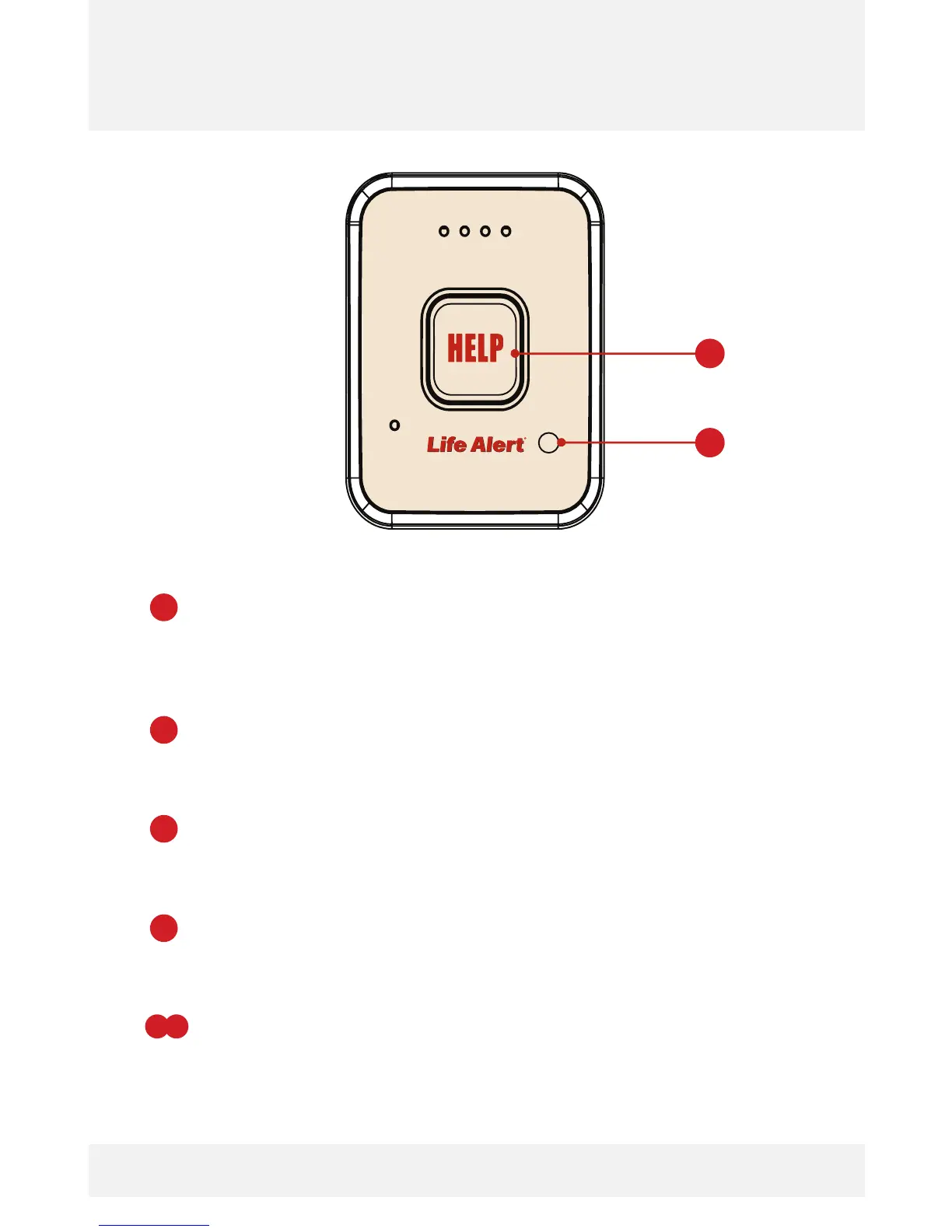
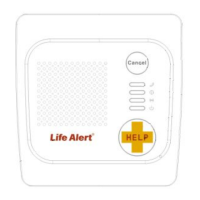
Pendant Features
2
1
2
2
2
2
HELP Emergency Button: Press this button for three (3) seconds
to turn on the HELP Pendant and automatically call the Life Alert
Dispatch Center. In addition, this button can also be used during a
call to send refreshed GPS data.
Battery Check Button: Press this button for three (3) seconds to
turn the unit on and the battery status will sounds before turning
the HELP Pendant back off.
Volume Decrease (-): Press the battery check button rapidly
during the HELP call to decrease the speaker volume. This feature
only functions DURING a HELP call.
Volume Increase (+): Press the battery check button rapidly
during the HELP call to increase the speaker volume. This feature
only functions DURING a HELP call.
Cancel Call: Press both HELP and Battery check buttons for three
(3) seconds to disconnect at any time during and at the end of a
call.
+
1
1
2
Life Alert HELP Pendant_V2.indd 2 8/29/14 11:59 AM



 To Next Page