25
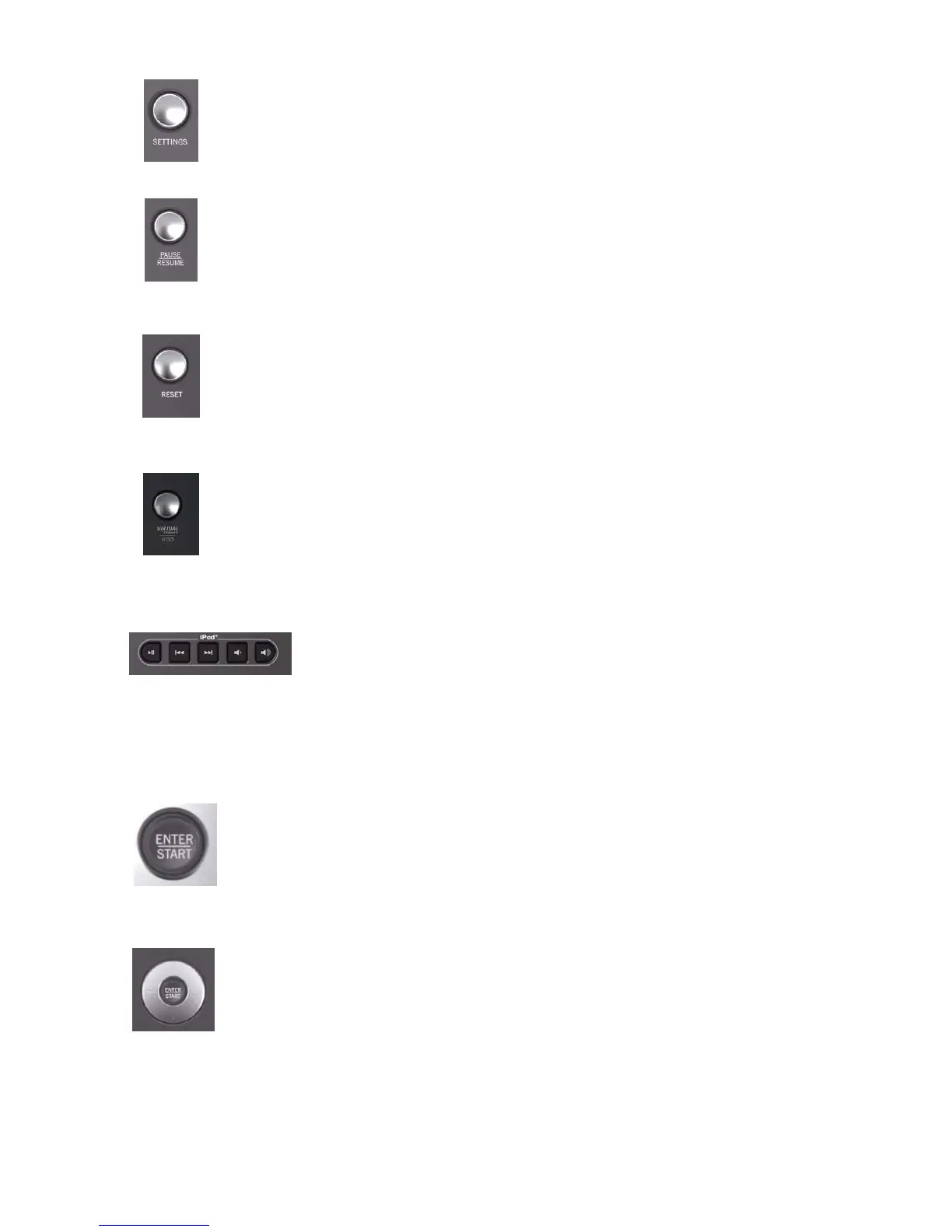
7.13 SETTINGS BUTTON
Press this button once to enter the Settings Menu of the console. In the Settings Menu the user can
set preferences for the console display. See Section 8.3, How to Use the Settings Menu.
7.14 PAUSE / RESUME BUTTON
When pressed once during a workout the workout is paused for 5 minutes. When pressed again the
workout is resumed. If the paused workout is not resumed within 5 minutes, the console deletes the
workout in progress and goes into Energy Saver mode.
7.15 RESET BUTTON
Press this button when programming a workout to clear incorrect data, such as weight or age.
Pressing RESET two times consecutively during a workout stops it immediately, at which point,
the user returns to the select workout screen.
7.16 VIRTUAL TRAINER / USB BUTTON
The USB port is used to upload goal-based programs and customized workouts from the Life Fitness
Virtual Trainer website (www.virtualtrainer.lifefitness.com). Users can also save workout results to the
USB and track progress on the website. See Section 9 for more information on the Life Fitness
Virtual Trainer website.
7.17 IPOD CONTROLS
Use these keys to play/pause, skip back, skip forward, decrease volume, and increase
volume.
1. You must plug your headphones into the product’s headphone jack for the volume
controls on the product to function.
2. All the controls on your iPod will still be active when docked to the product except the
volume control.
3. The volume level is always set to “Low” when an iPod is docked into the product.
7.18 ENTER / START BUTTON
The ENTER / START button can be pressed at any time during initialization to begin a quick
start 30 minute manual workout. During workout setup it is used as a selection key when
choosing program parameters.
7.19 NAVIGATION BUTTON
Provides simple forward, back, up, and down software navigation as well as level and time adjust-
ments. While setting up a workout use the Left/Right arrows to scroll through workout setup
options, and then use the Up/Down arrows to adjust the values. During a workout, use the
Left/Right arrows to change level and use the Up/Down arrows to adjust time.


 To Next Page
 Loading...